Last year I wrote about the 1.1 update of BPM Analyzer - an app I’ve been working on for the last 3 years. It’s a cross-platform app that started as a music management tool, it now has local music analysis (with automatic ID3 tag writing, which was the main feature I made this for), a metronome tool and a live audio analysis feature - letting you get the tempo of a song using your device’s microphone. Update 1.1 brought iOS/iPadOS support, a watchOS extension, analytics and localization. I wrote about it here.

In the 1.2 update I rebuilt and optimized the tempo detection algorithm, combined the file and live audio analyzers into one, made it much more accurate and 4.4 times faster, got to try out and make use a brand new Apple framework:
Music Understanding
Music Understanding is a recent API (iOS 27.0+) that can analyze audio content and extract music information from it - like the rhythm, pace, loudness, key, and instrument activity. It was introduced at this year’s WWDC and I was very excited to try it out since on paper it was just the right thing for my app.
I tried the new framework hoping it could replace my own beat detection: Apple does the signal processing and the model inference, so the app would get simpler and I wouldn't need to maintain an algorithm. That's not how it went. Music Understanding does work on rhythm, and gives you a single value, but it doesn't provide a candidate list or confidence values. There's no way to tell it which range of tempos to consider, and that one missing knob is exactly the knob that decides whether a drum & bass track reads 174 or 87. Where the answer isn't in question it's as good as my own analyzer. It also returns five other things I didn't ask for: key, loudness, pace, structure, and which instruments are playing.
The two detectors fail in different places: mine gets the octave right but can trip on odd material and triplet feels; Apple's occasionally commits to half-time. Two estimators that are wrong in different places can disagree usefully, a "second opinion" with my own blind spots would just be an expensive echo. So it's an optional pass (off by default) that runs after a file has been analyzed: one call for rhythm, the tempo recomputed from the beats it found, folded into whatever BPM range you've picked, compared against the first answer. Land within a couple of units and nothing happens; disagree and the row gets a small orange question mark. On 200 labelled tracks it caught six of the seven genuinely wrong numbers, but about half the flags were false alarms. This optional check is free and quick, and can sometimes help with the analysis.
It’s quite exciting to be able to actually try out a new thing Apple just introduced (it’s been almost half a year since the announcement, which in iOS developer’s timeline can be considered pretty quick), and it’s actually useful for an active project of mine. Sweet!
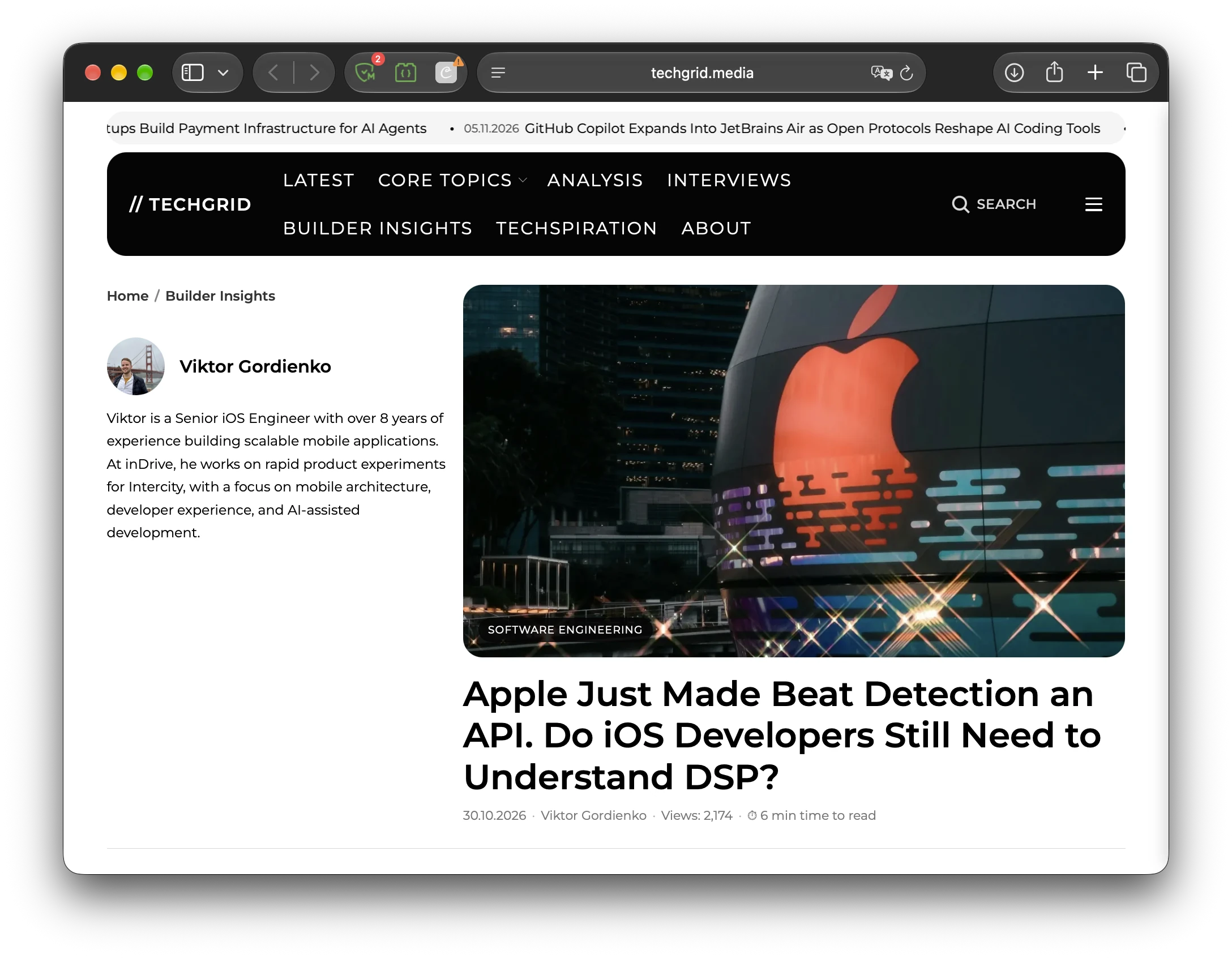
I’ve written a more detailed article about how it works here:
https://techgrid.media/builder-insights/apple-just-made-beat-detection-an-api-do-ios-developers-still-need-to-understand-dsp/.
 I thought about diving deep into how the analyzer actually works, but it’s worth a whole article on itself, including live audio analysis. Maybe next time.
New App Store features
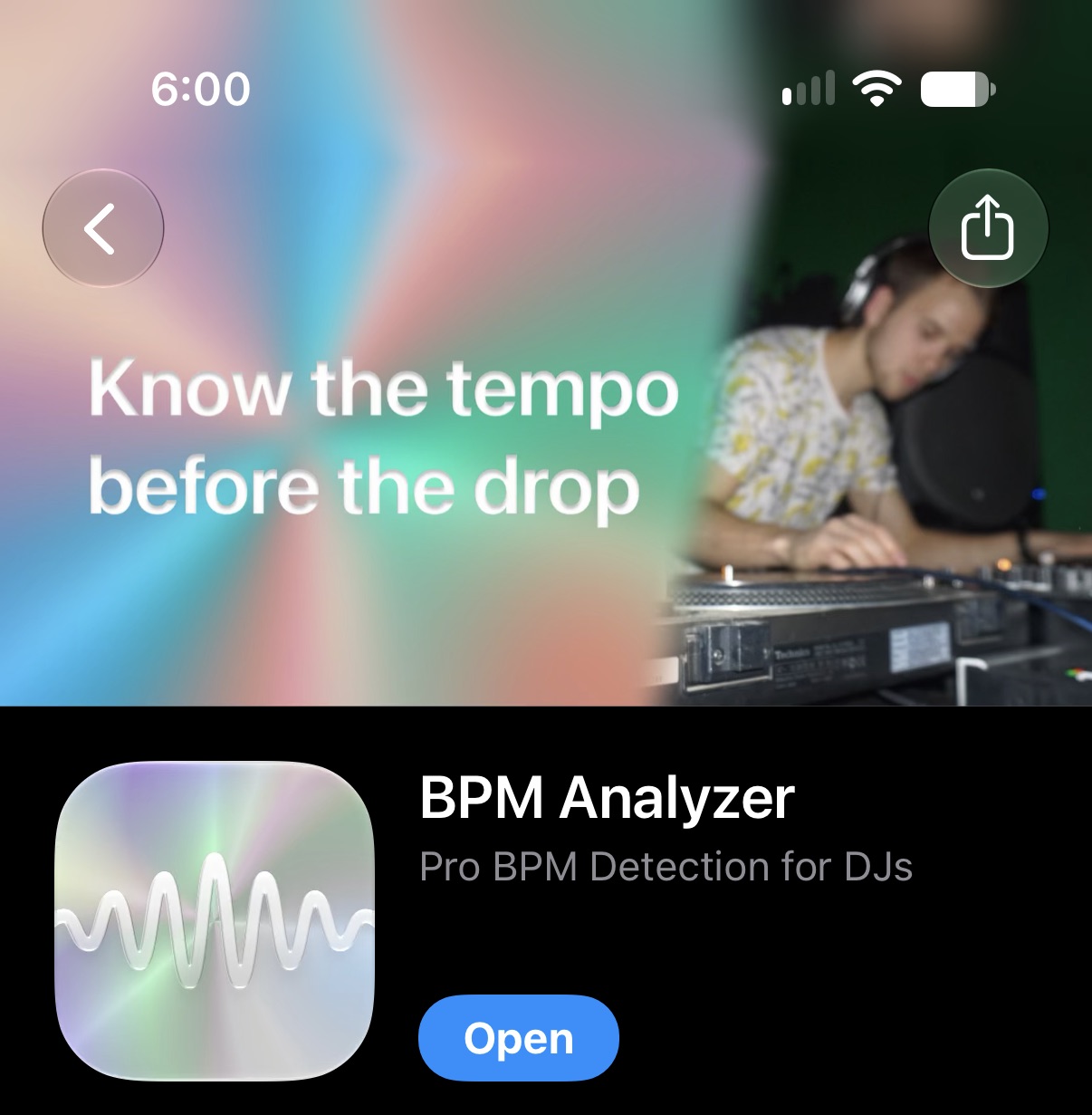
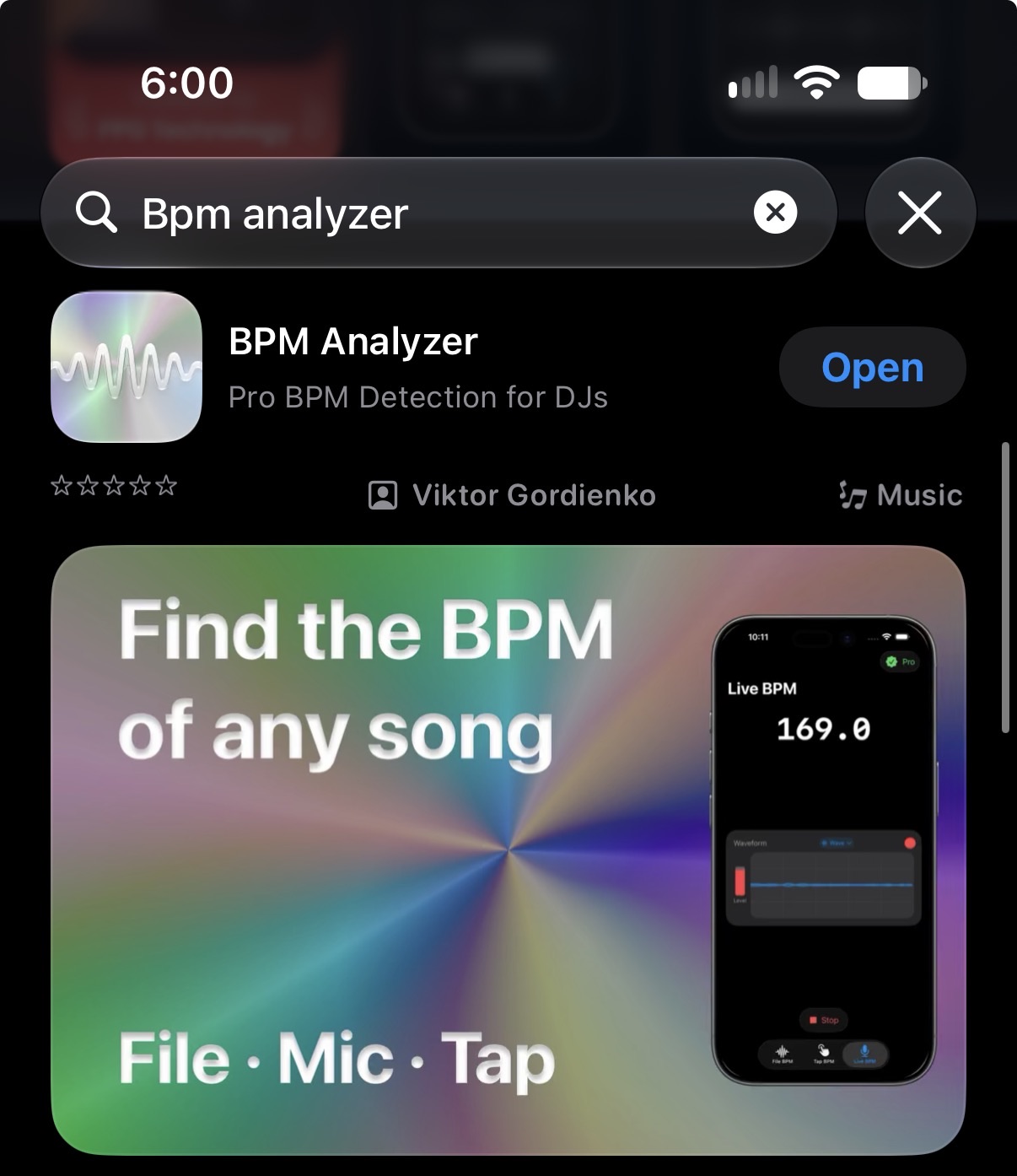
With this update I tried another new thing, introduced at this year’s WWDC - new App Store features like App Header image and Search results image - both are promotional instruments that let you make you app stand out. They look
| App header | Search results |
|---|---|
 |
 |
To be honest, I’m so stoked about this app, all the musical aspect of programming and an ability to build something so complex, yet so simple in its nature, that I’ll surely write more about it when I have enough time.