I want to look at Live Activities not only from iOS developer's perspective, but also as an iOS user and potentially a product manager. I will be talking about what Live Activities are, how to use them and how not to use them. I will share and overanalyze some examples from my device, showing off some interesting use cases and technical quirks.
Btw I definitely won't be diving deep into the technical details, so no code in this post, thankfully.
 |
 |
|
|---|
What are Live Activities?
With iOS 16, Apple has improved the way we work with notifications. The notification fatigue was real and they had a solution for it.
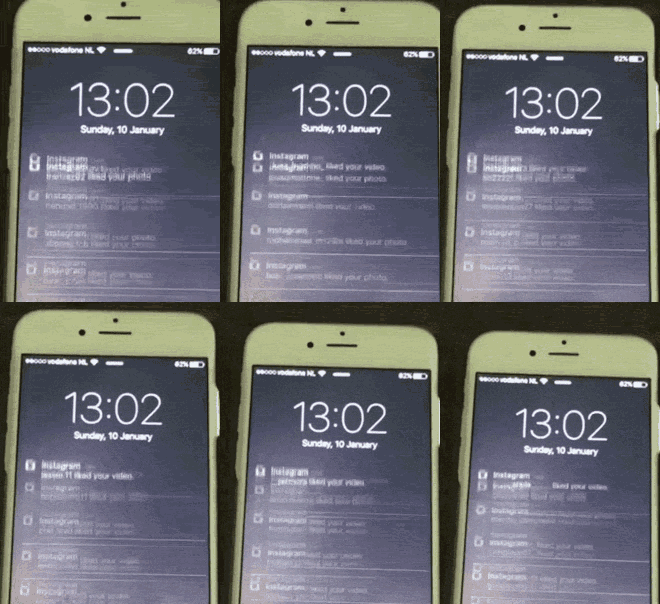
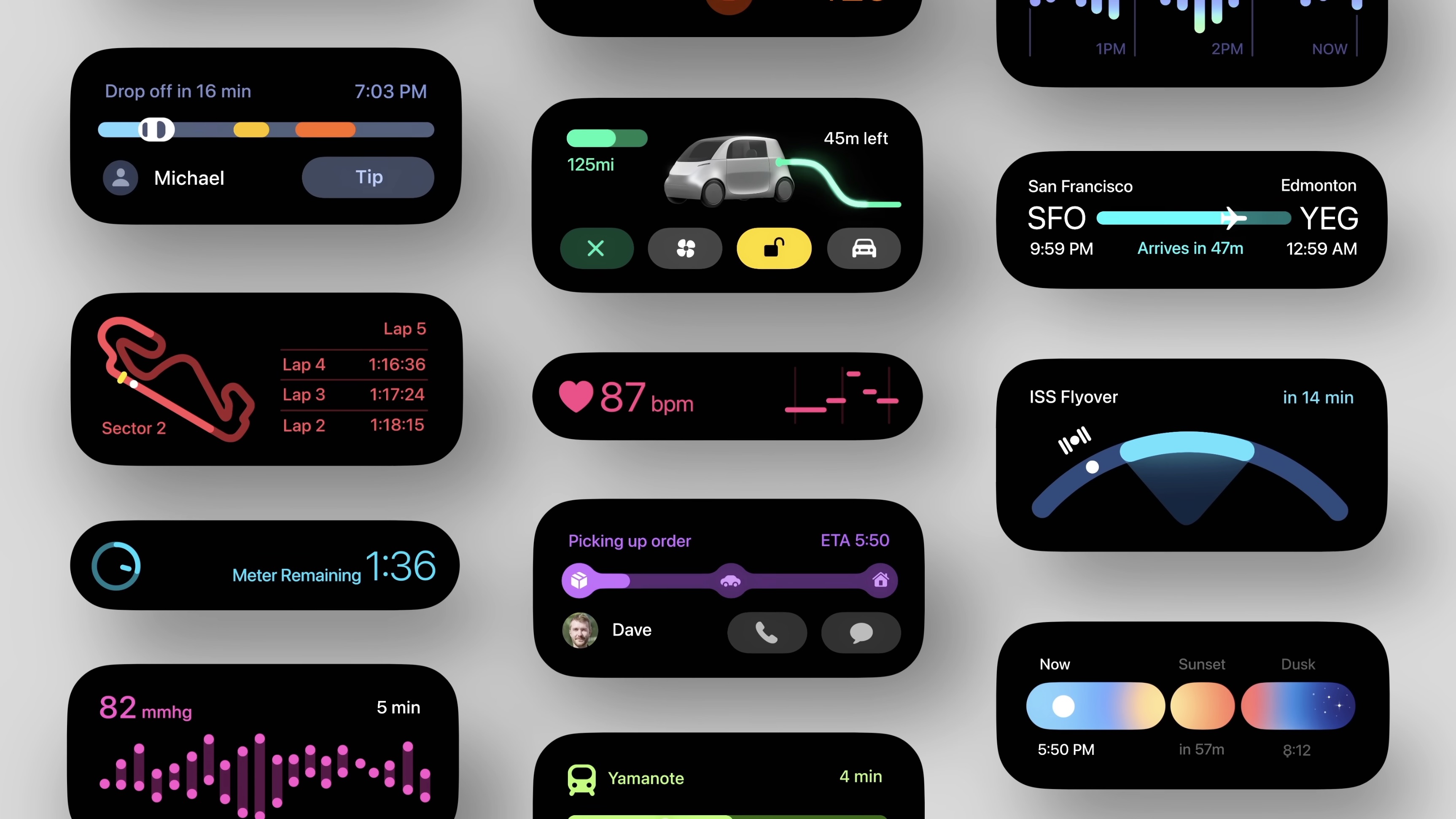
First of all, the notifications were now grouped, and on top of that they introduced Live Activity - a way for app developers to update some static information on a widget instead of sending several push notifications.
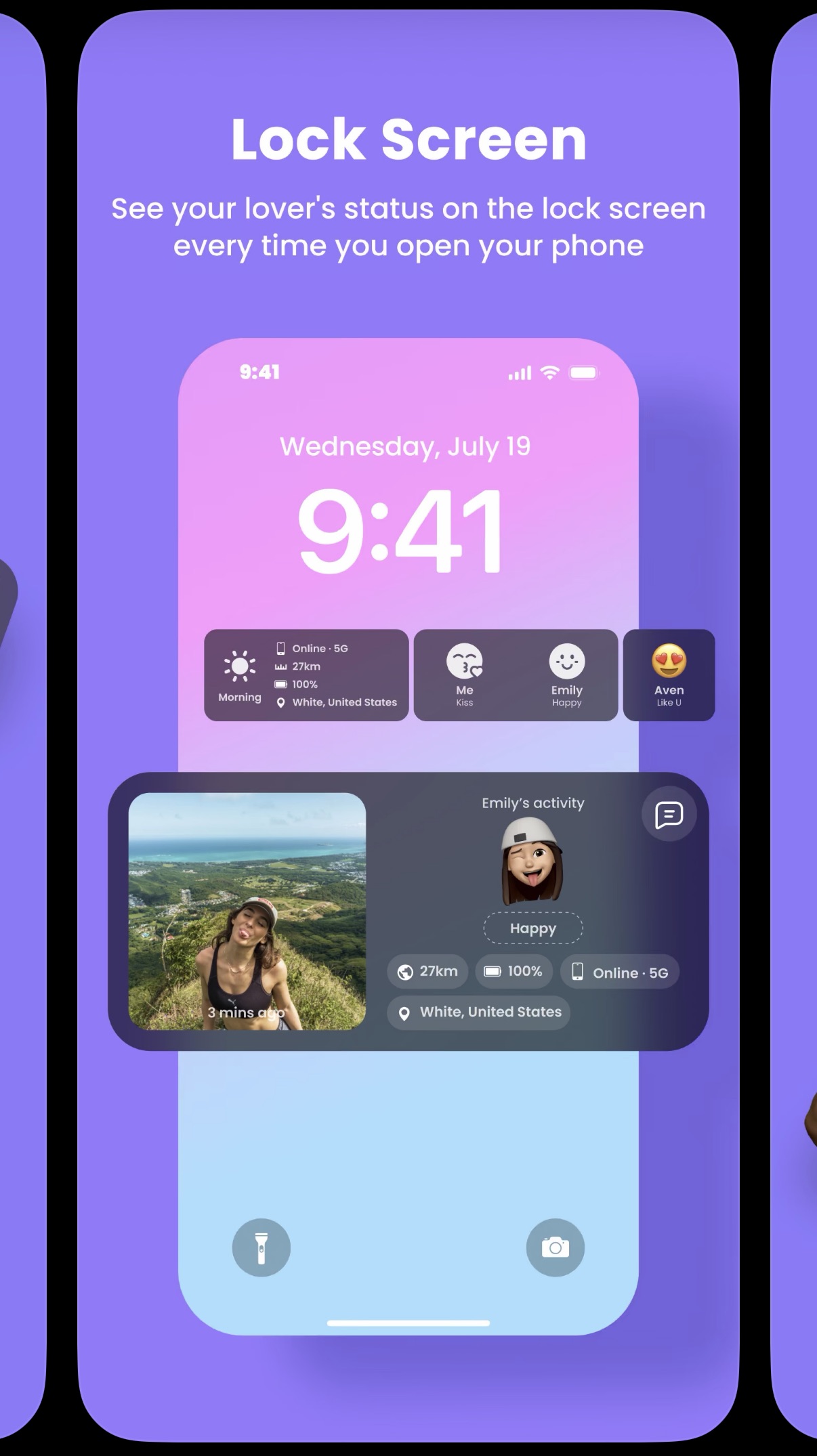
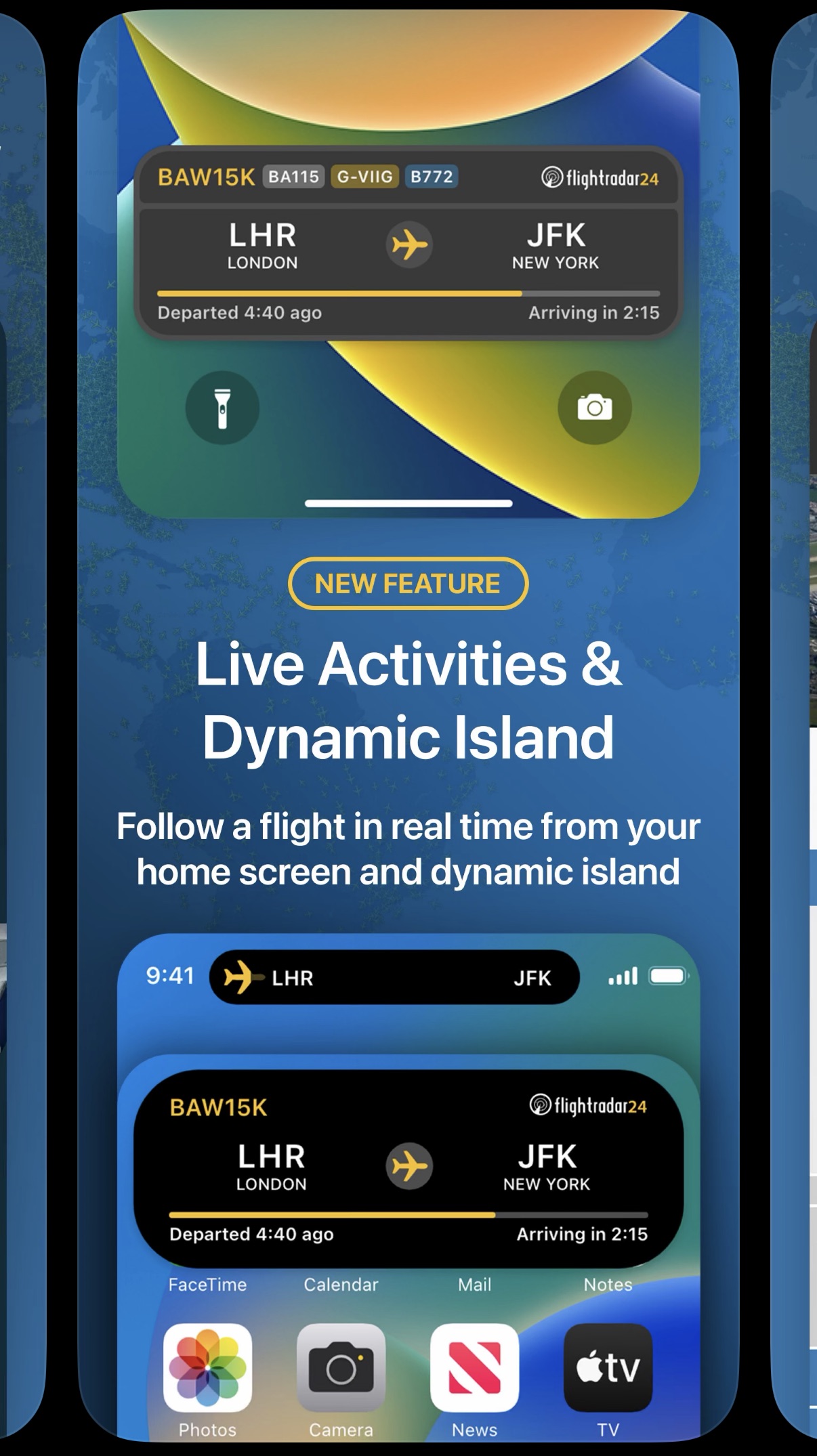
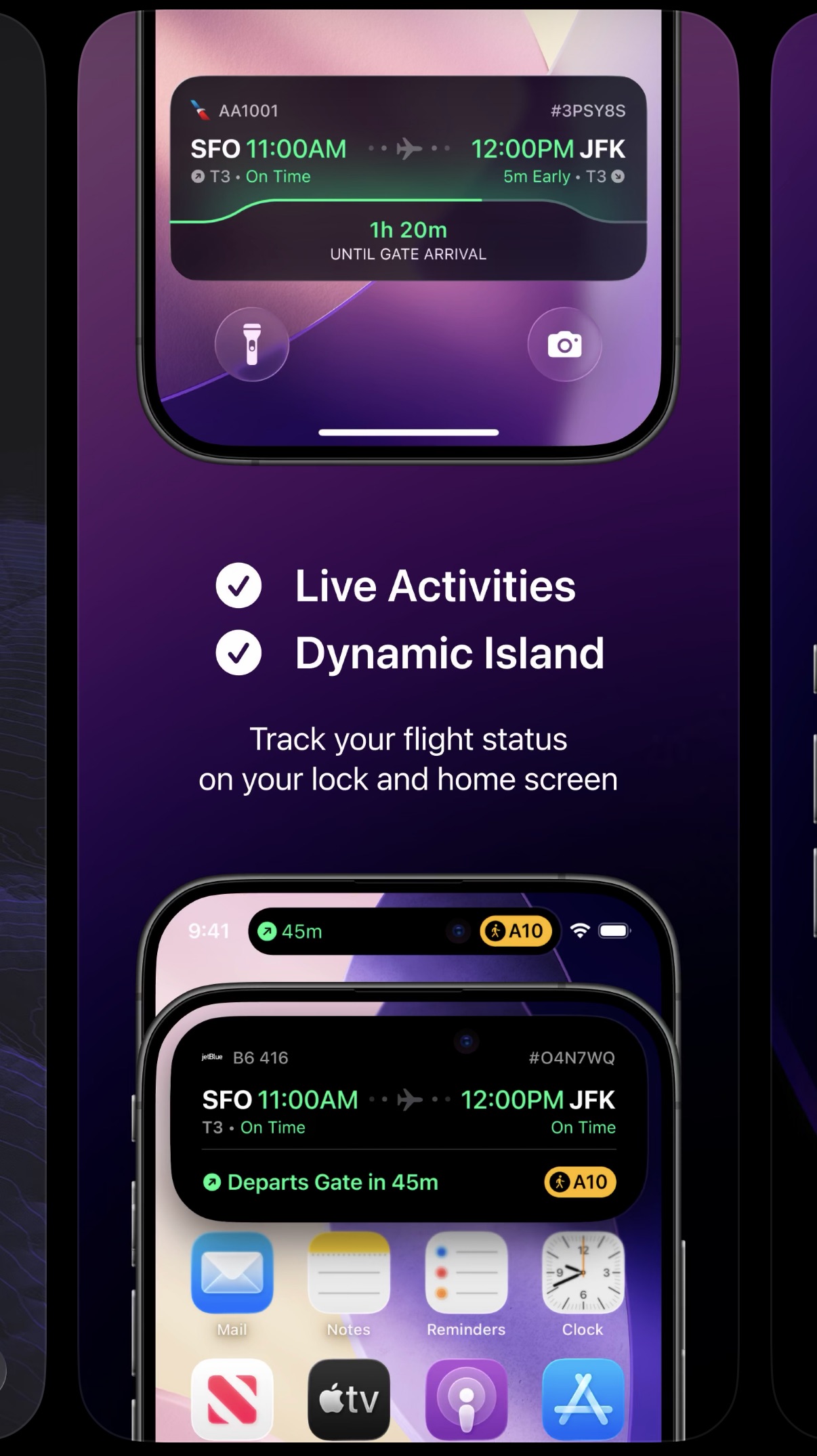
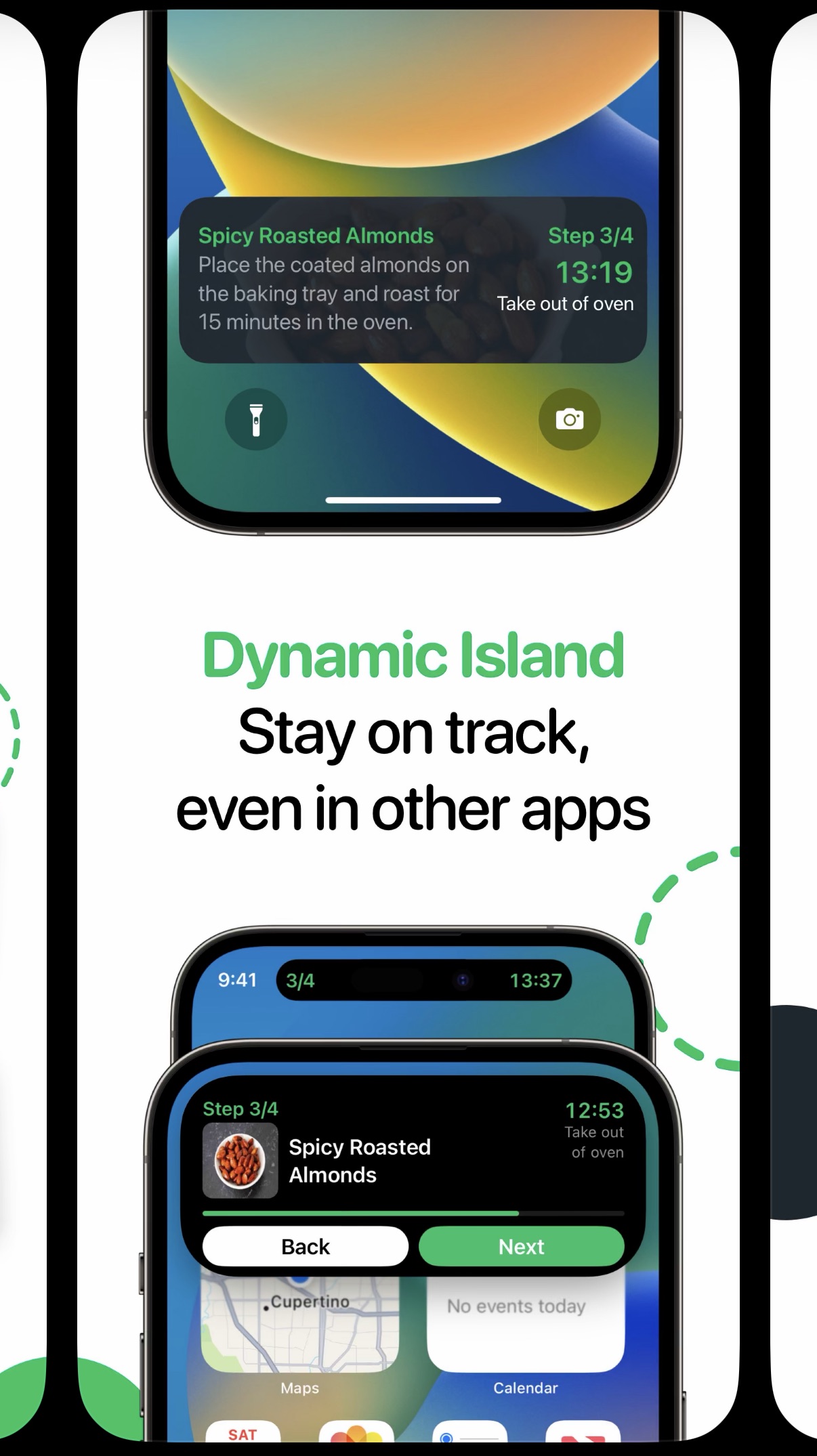
Some apps even have a dedicated screenshot to show off their Live Activity widget:
 |
 |
 |
 |
|---|
Some interesting recent updates include:
watchOS 26 can display Live Activities from a paired iPhone in a Smart Stack.
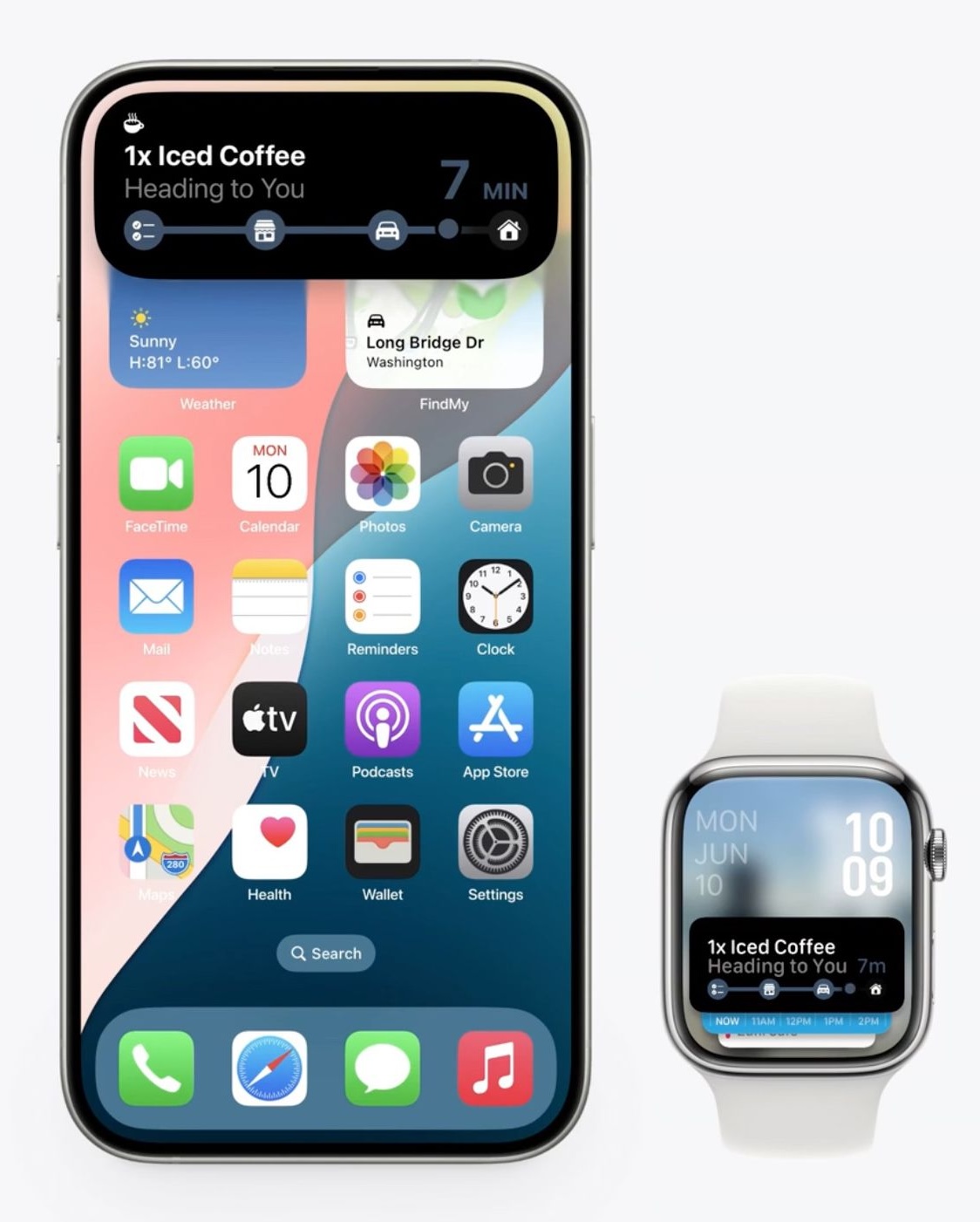
| Although developers still need to update their widgets, like this one from the 'abr+' app: | 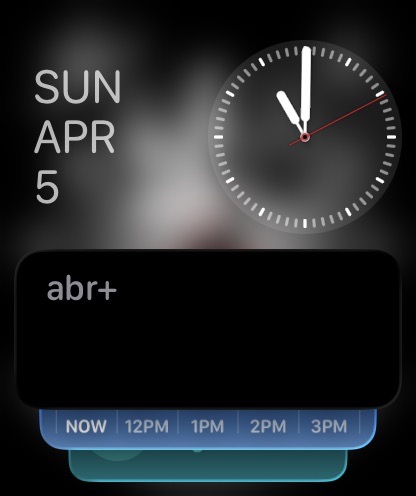 |
|---|
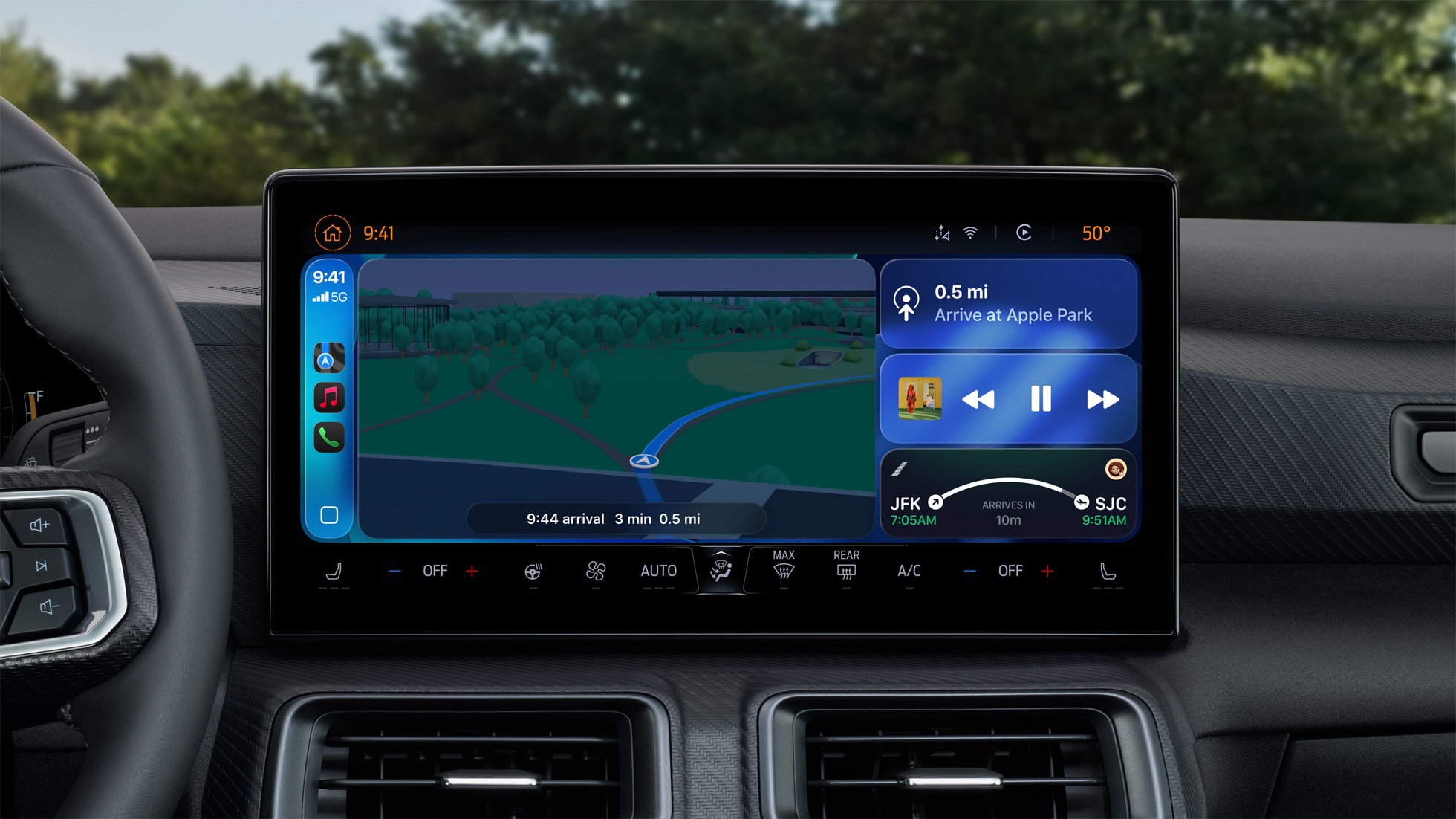
Even CarPlay got an update! Live Activities from user's iPhone will be displayed there. I don't have a car though, so I didn't really have a chance to try this out.
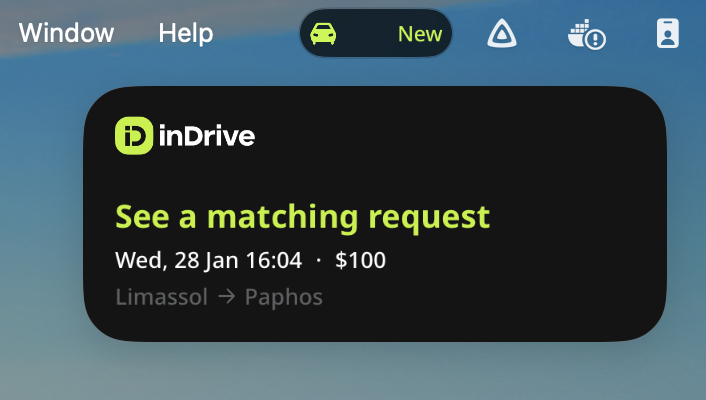
Besides, since macOS 26 we can also receive started Live Activity widget in the macOS menu bar - a tap will open the app in iPhone Mirroring.
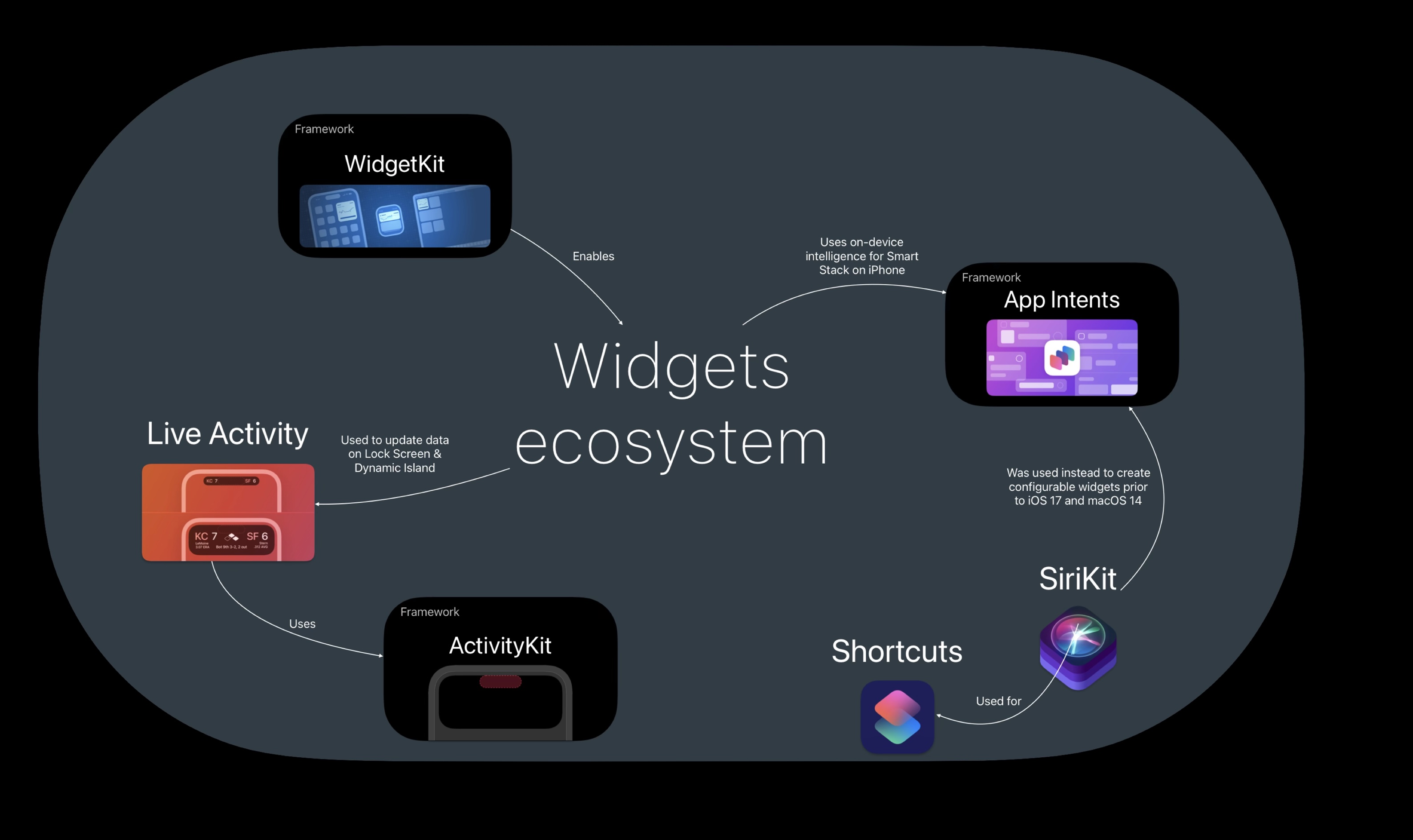
I won't be talking about how Live Activities are a part of a larger picture and how the whole widget ecosystem is connected, only that some things are interconnected and while we focus on LA, we will also be talking widgets in different forms.
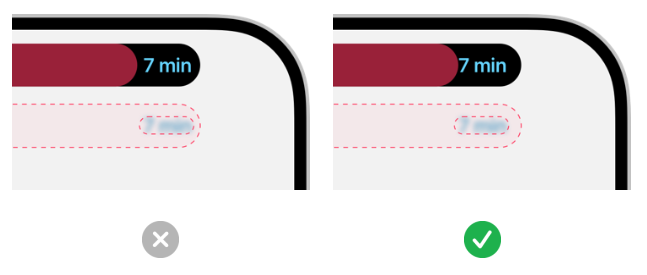
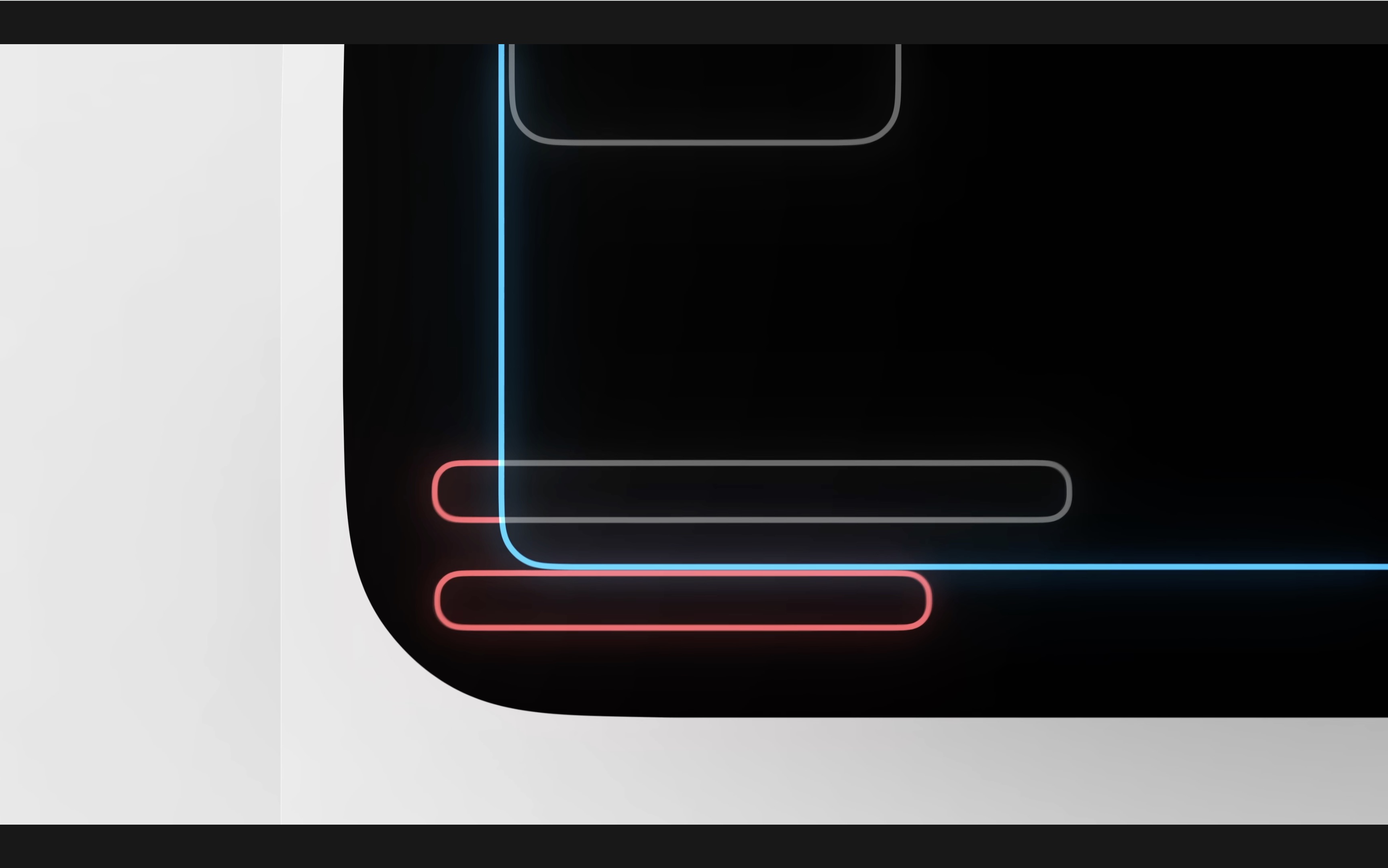
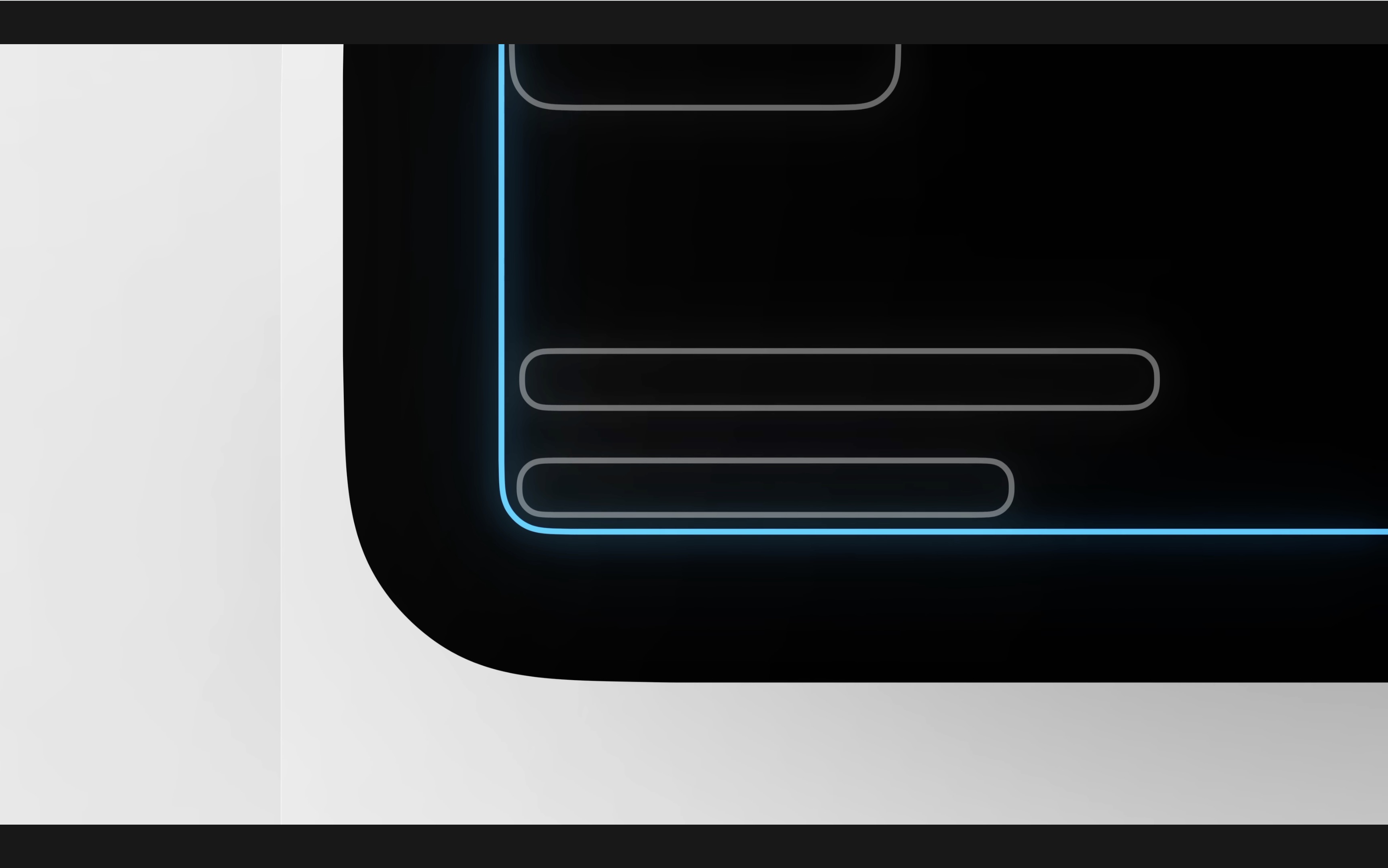
Human Interface Guidelines (a.k.a how to design a nice widget)
| Apple is very specific with how they want LA widgets to look like: | 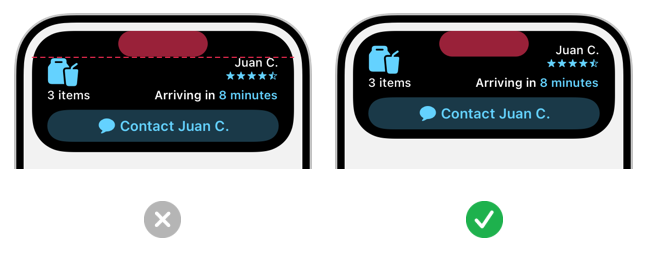 |
 |
|---|
 |
 |
|---|
They also suggest not using app's icon in the widget, so that we don't mimic the system notification layout since LA widgets are supposed to be distinct and different from notifications.
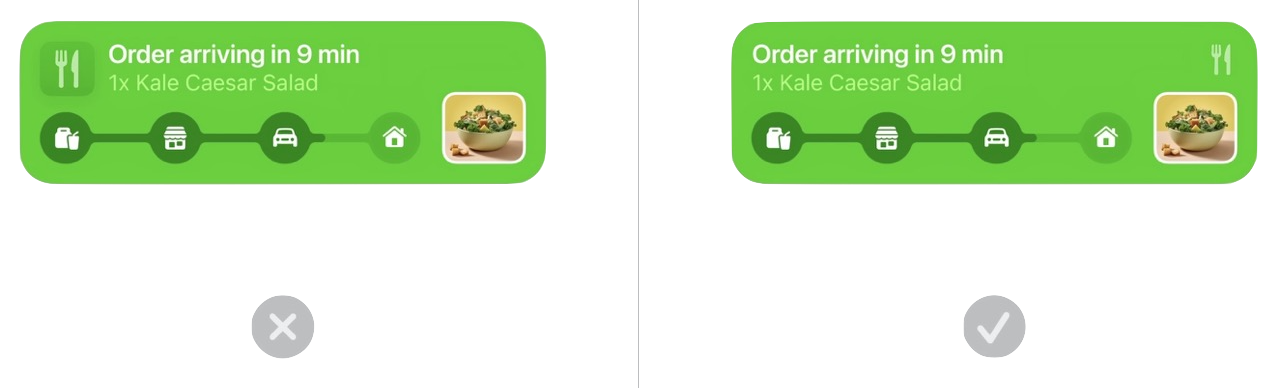
Examples
Some app categories, like ride hailing businesses, are just right for a LA widget to be useful. Ride status gets updated, and instead of several notifications you can just check your Lock Screen to see what's going on, without opening the app.
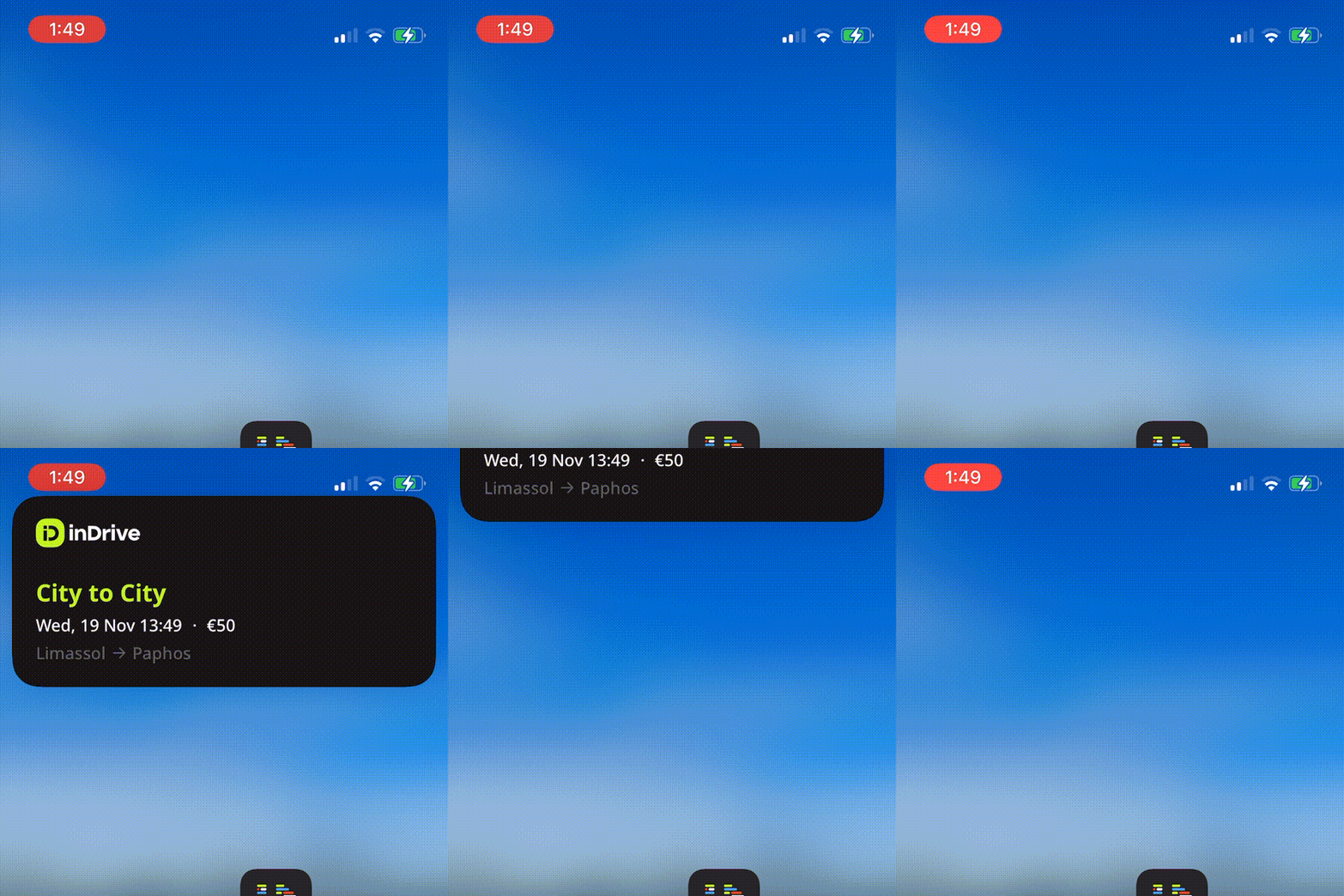
inDrive has a nice little ride status widget:
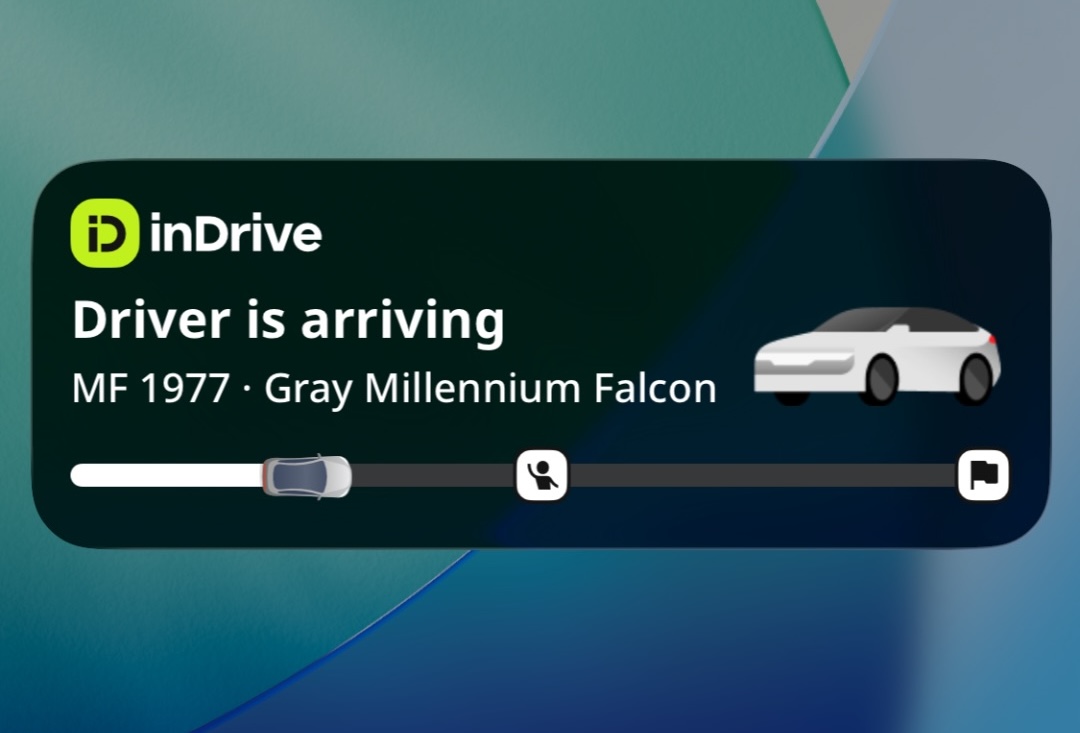
There's a in-depth blog post about how we've implemented widgets way back in 2022, it's still relevant although some things have changed since then.
Being a superapp with multiple 'products' inside one app - it can launch multiple widgets, each one for a its own service (ride hailing, courier delivery, inter city rides). I have managed to create up to 8 widgets where I decided to stop because even with 3 widgets the screen feels bloated and the whole thing makes less sense now if the screen is covered with widgets instead of notifications.
| In real life scenarios, there's a very low chance of a user actually managing to see more than one widget at a time | 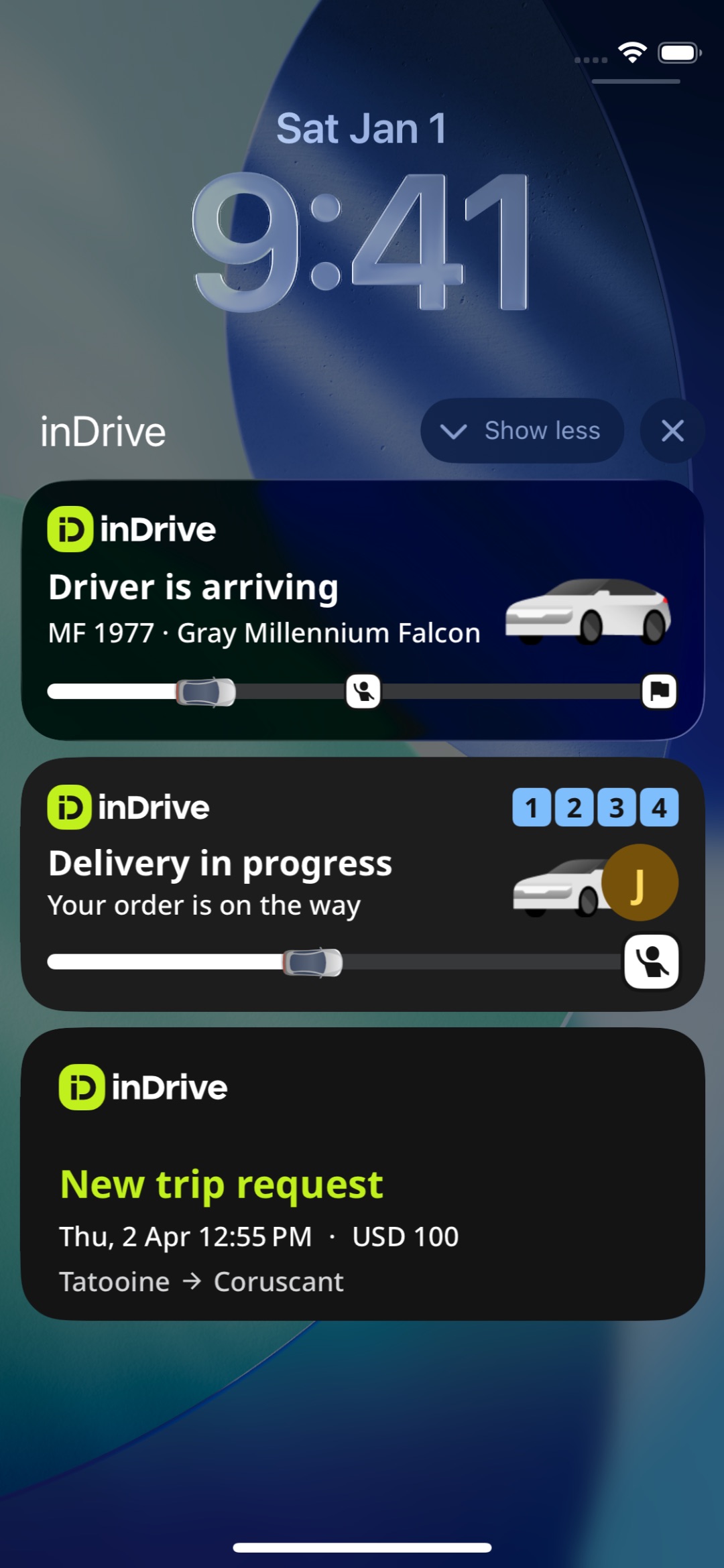 |
|---|
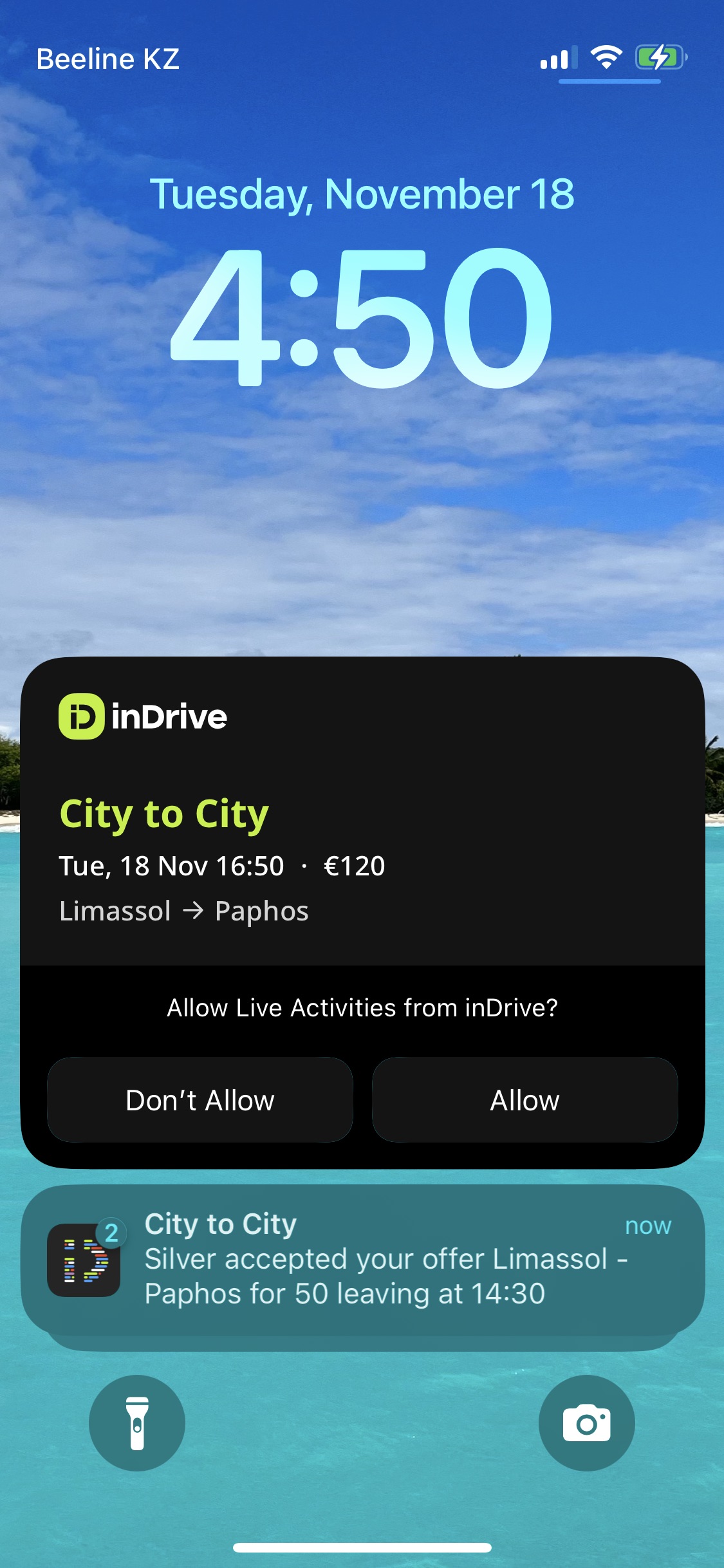 |
 |
|---|---|
| A huge widget certainly grabs user's attention | Actually an anti pattern |
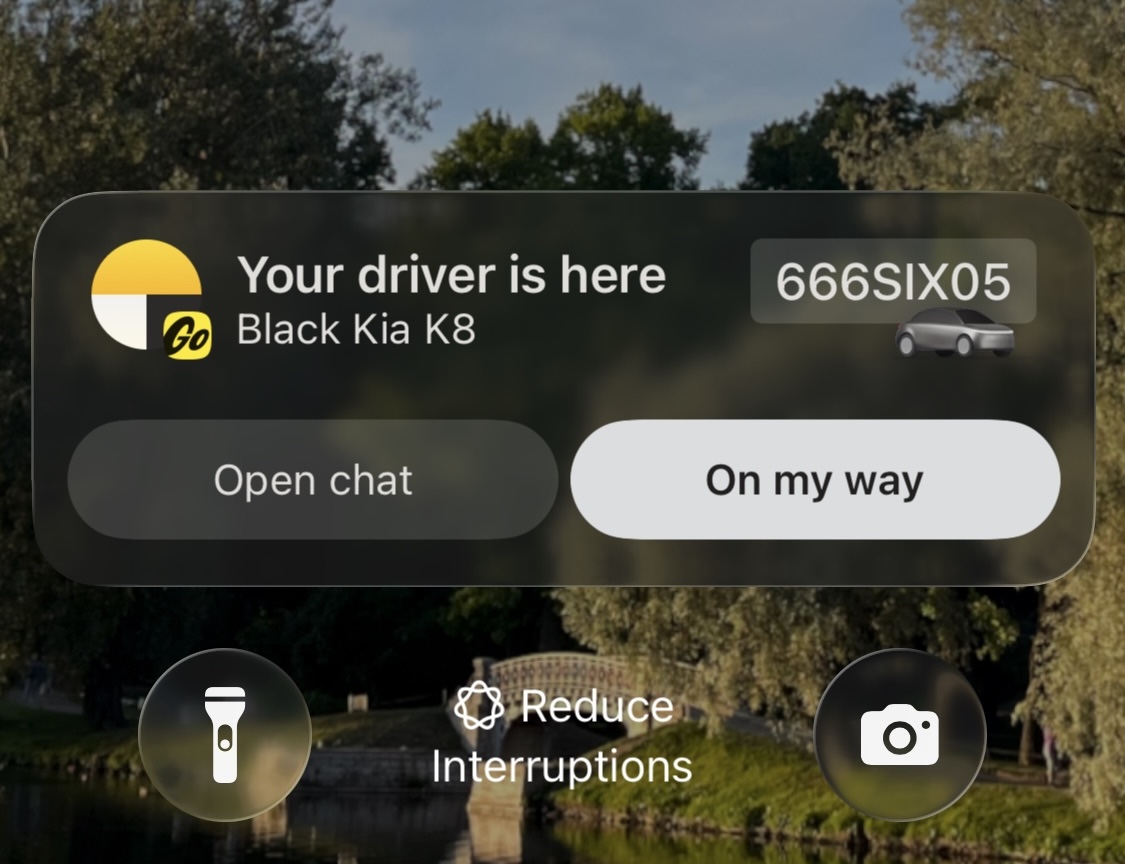
Y.Taxi even makes use of a recent update (iOS 16+?) that lets you set up buttons inside LA widgets for even quicker actions:
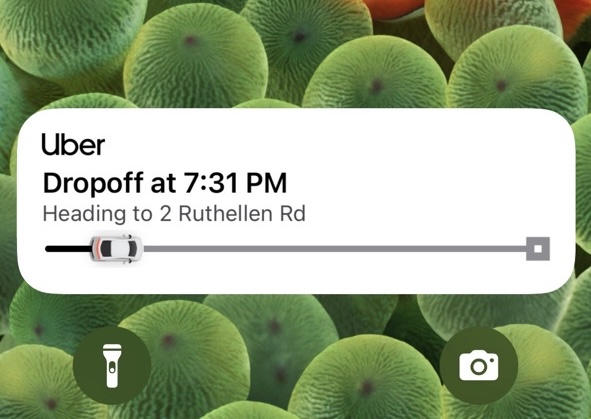
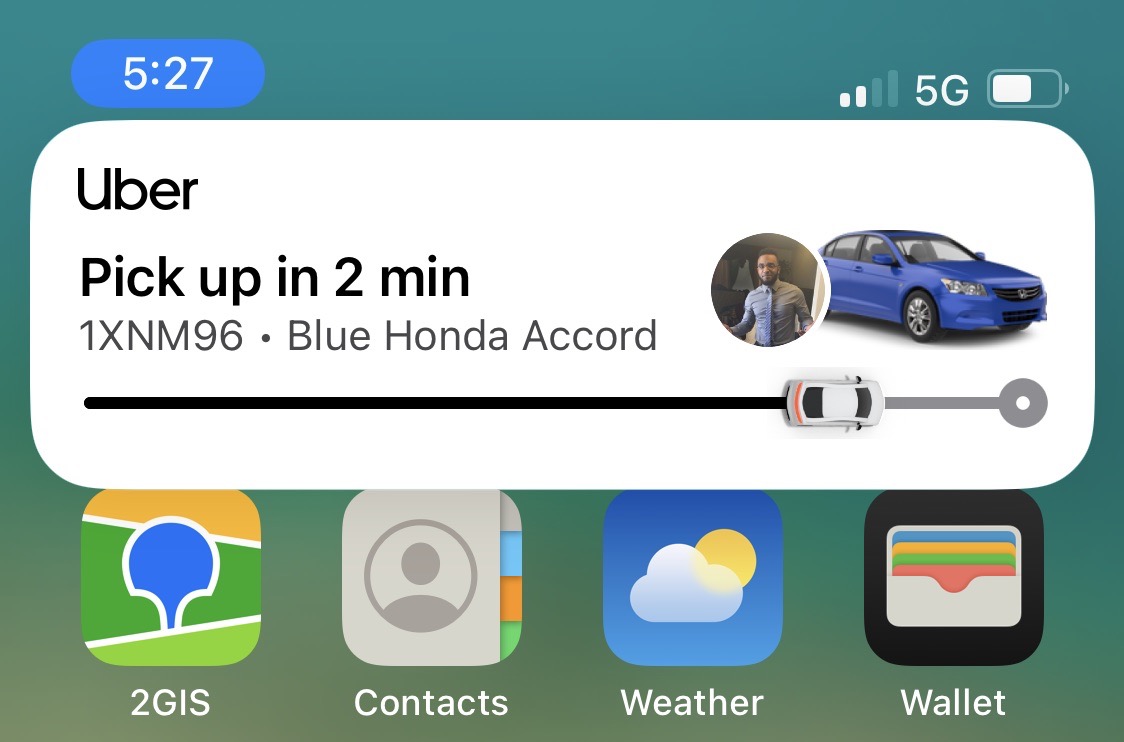
Uber has a similar widget:
 |
 |
|---|
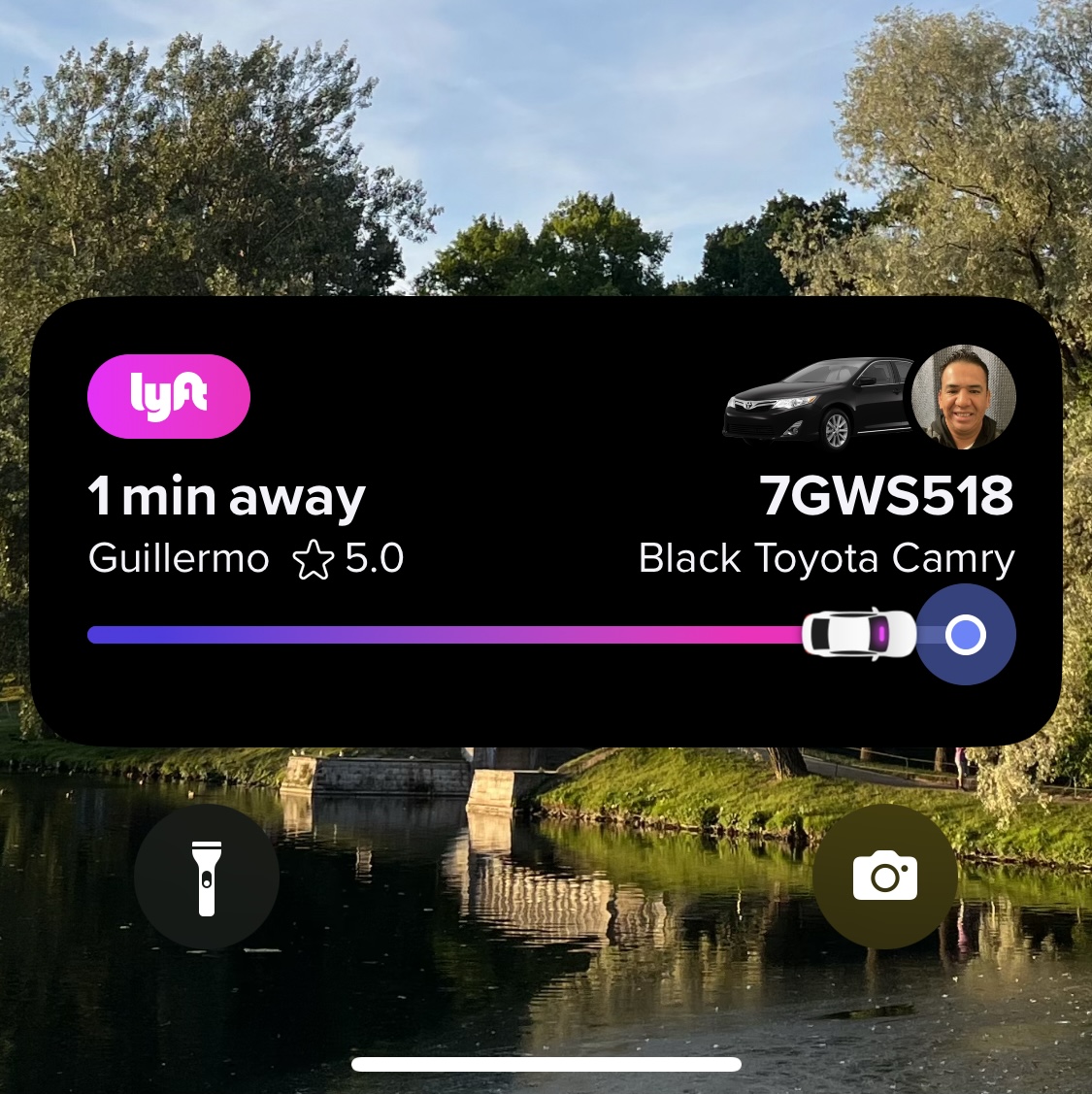
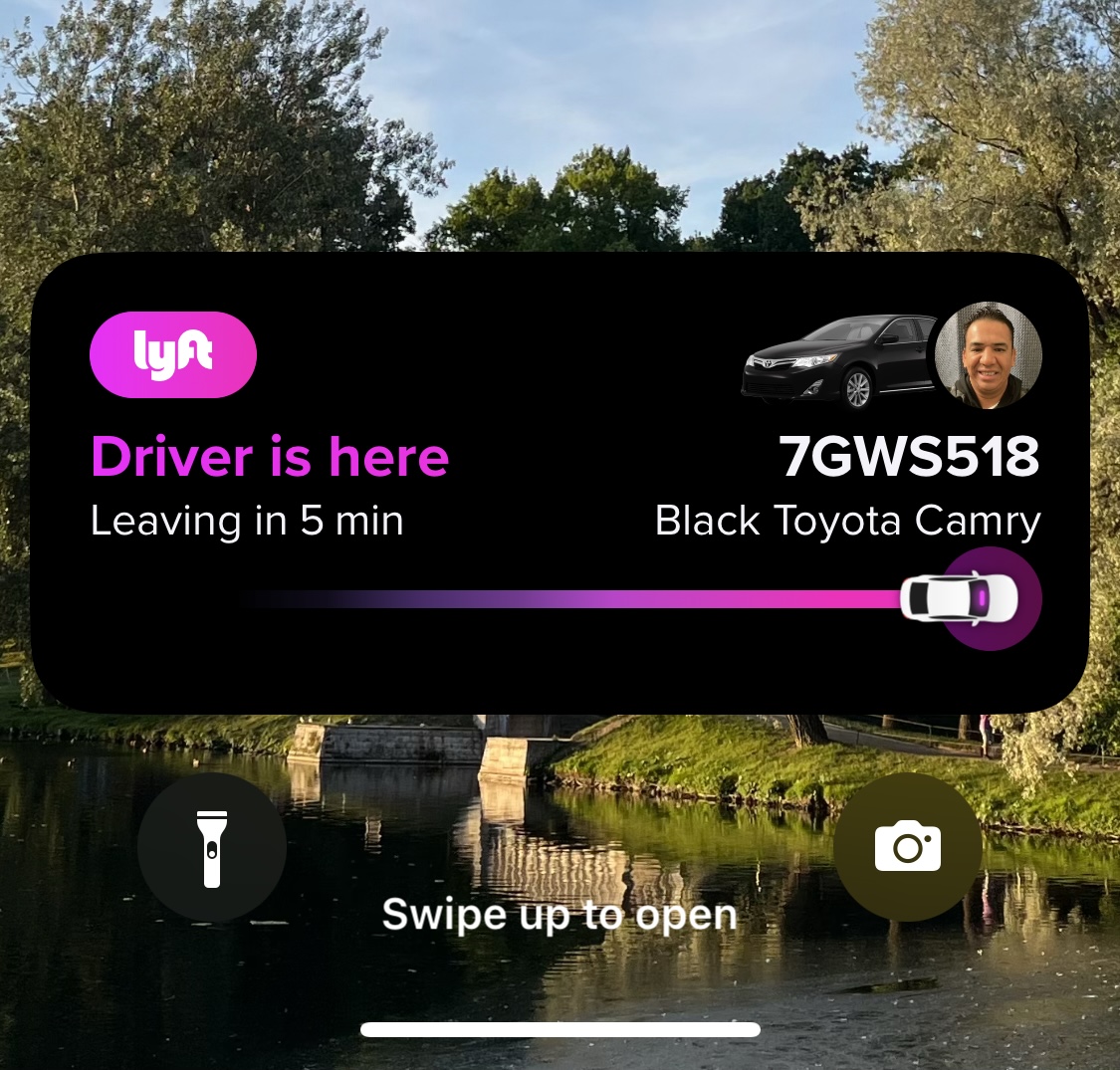
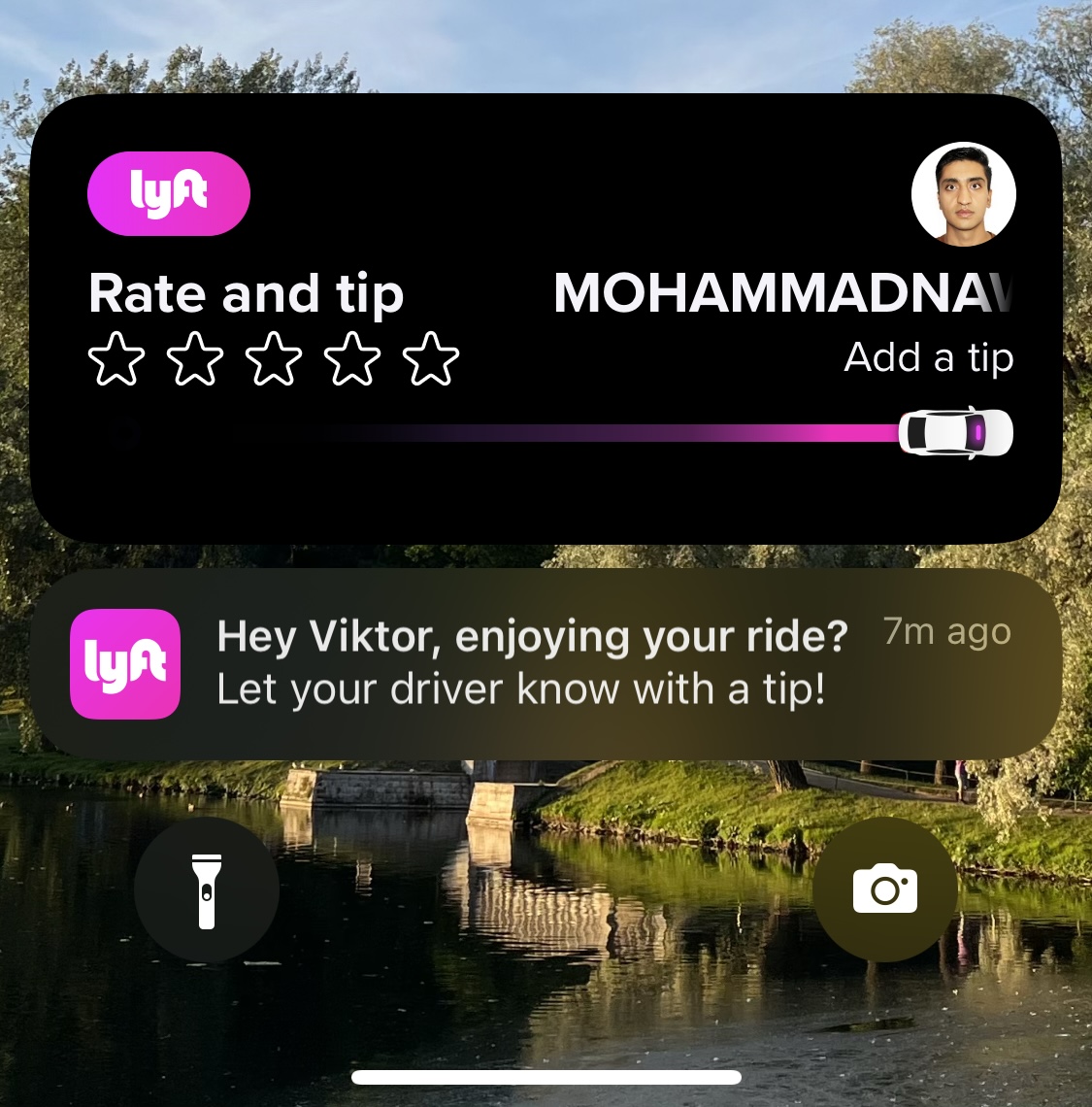
So does Lyft:
 |
 |
 |
|---|
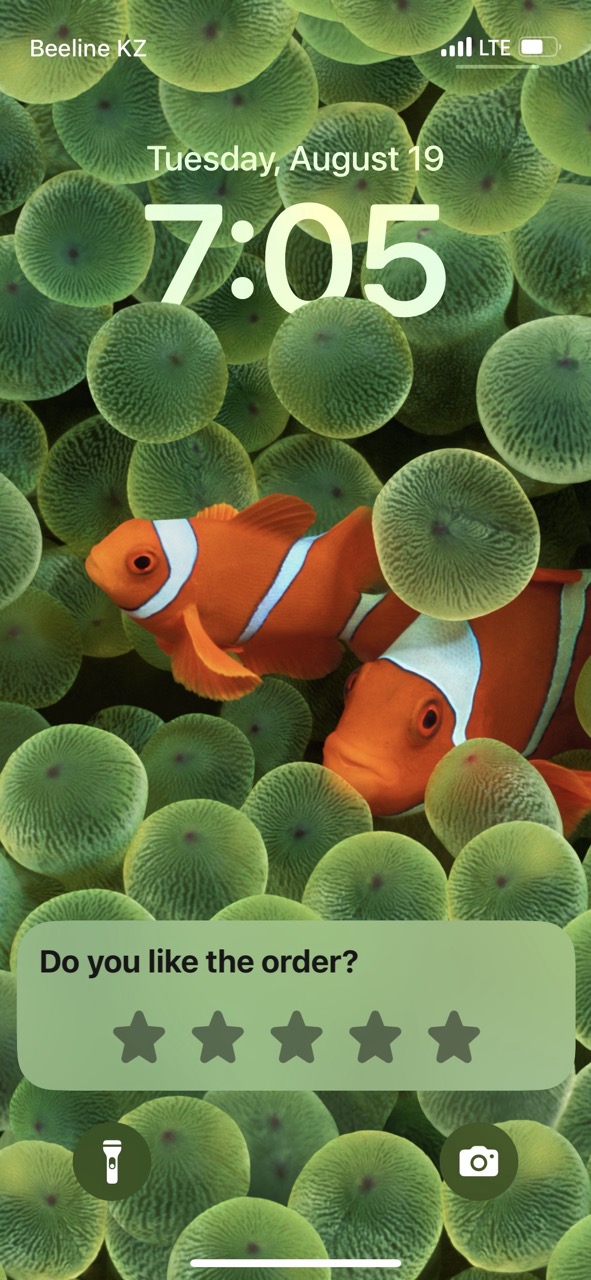
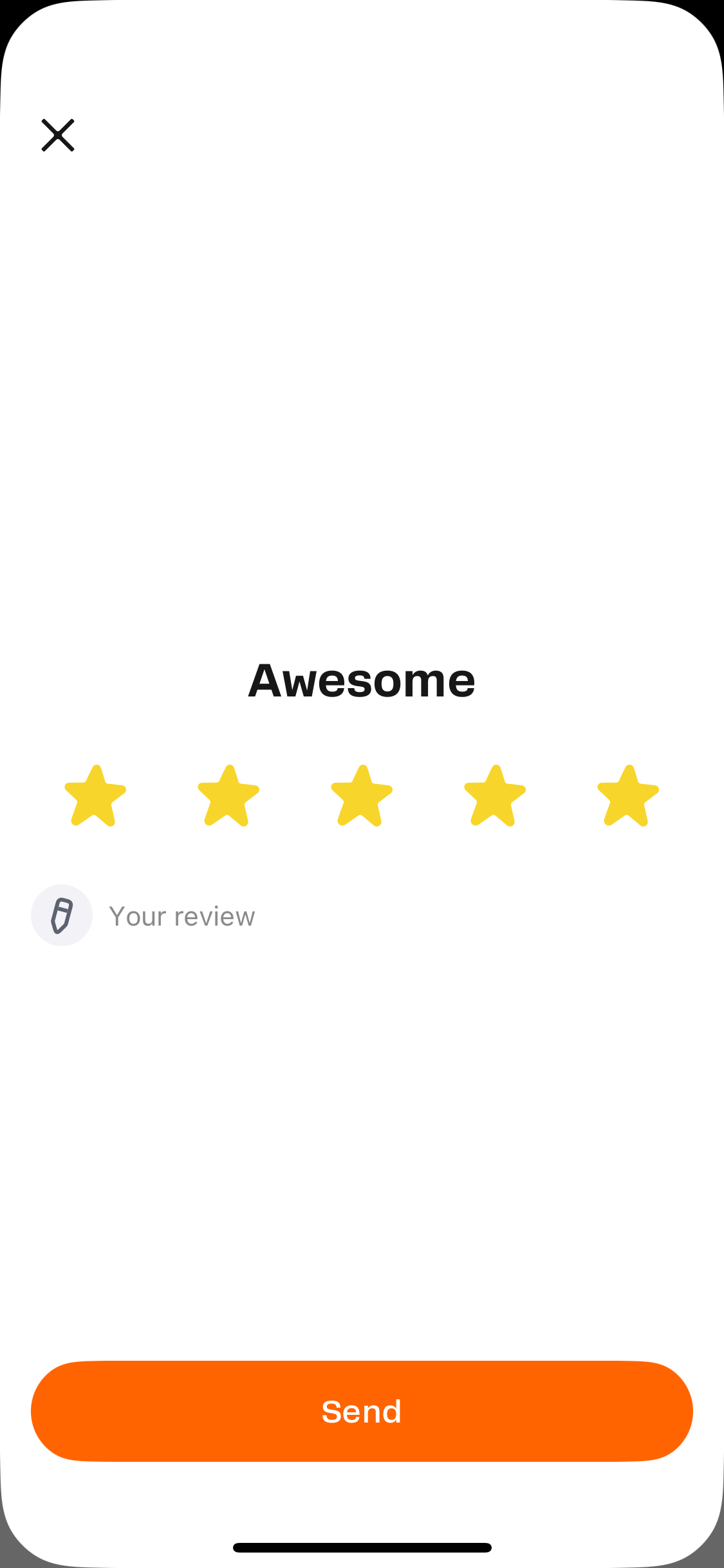
A nice example of how not to design your widget is Dodo Pizza's app - I found an old screen shot (though, I'm not sure whether this has been fixed by April 2026) of a order status Live Activity at the last stage - suggesting a user to leave a review. The widget has no branding, the title and the starts are misaligned:
 |
 |
|---|
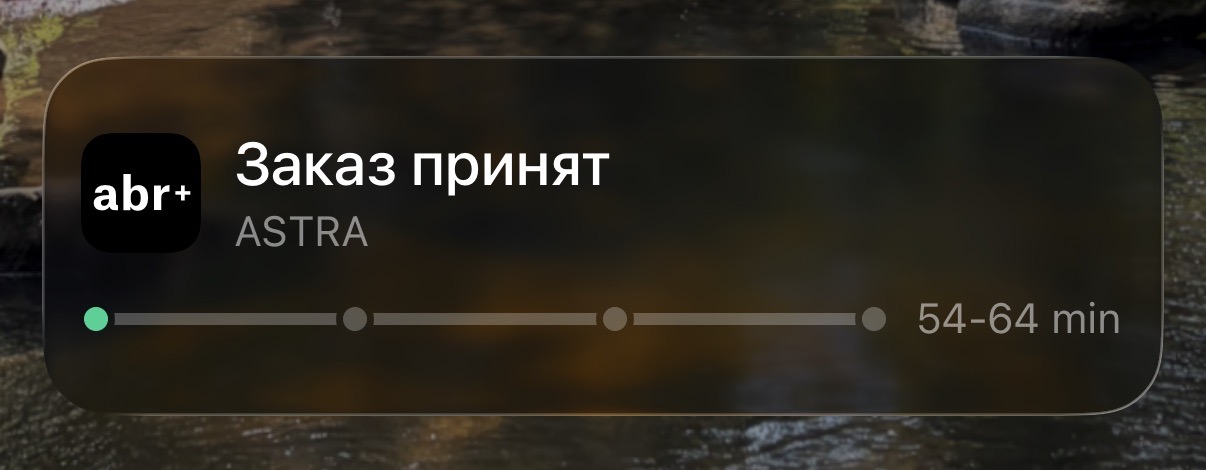
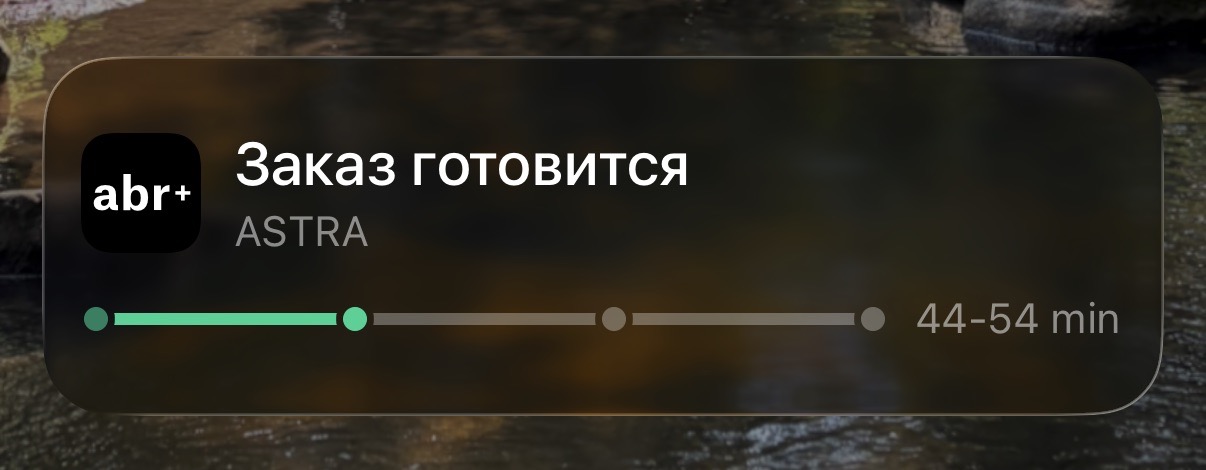
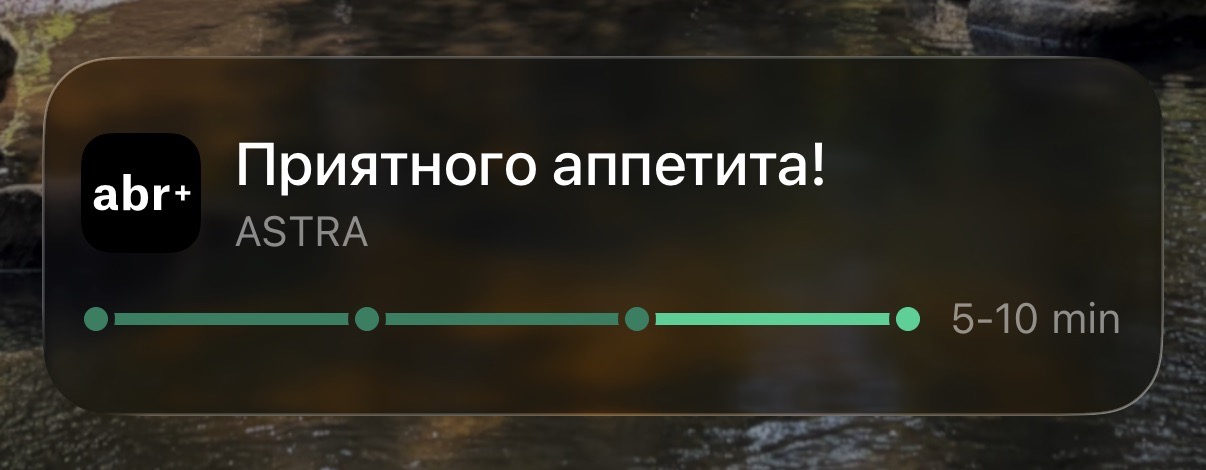
A food delivery app (abr+) looks better, with one little detail - they suggest not using the app's icon to create a layout similar to iOS notifications - instead relying on brand colors and simplified icons:
 |
 |
 |
|---|
Some other examples:
| Wolt - food delivery order status | 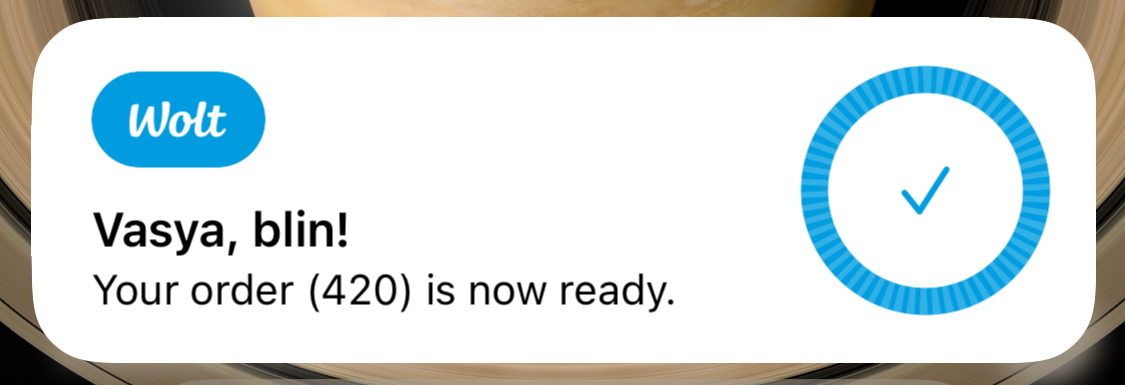 |
|---|---|
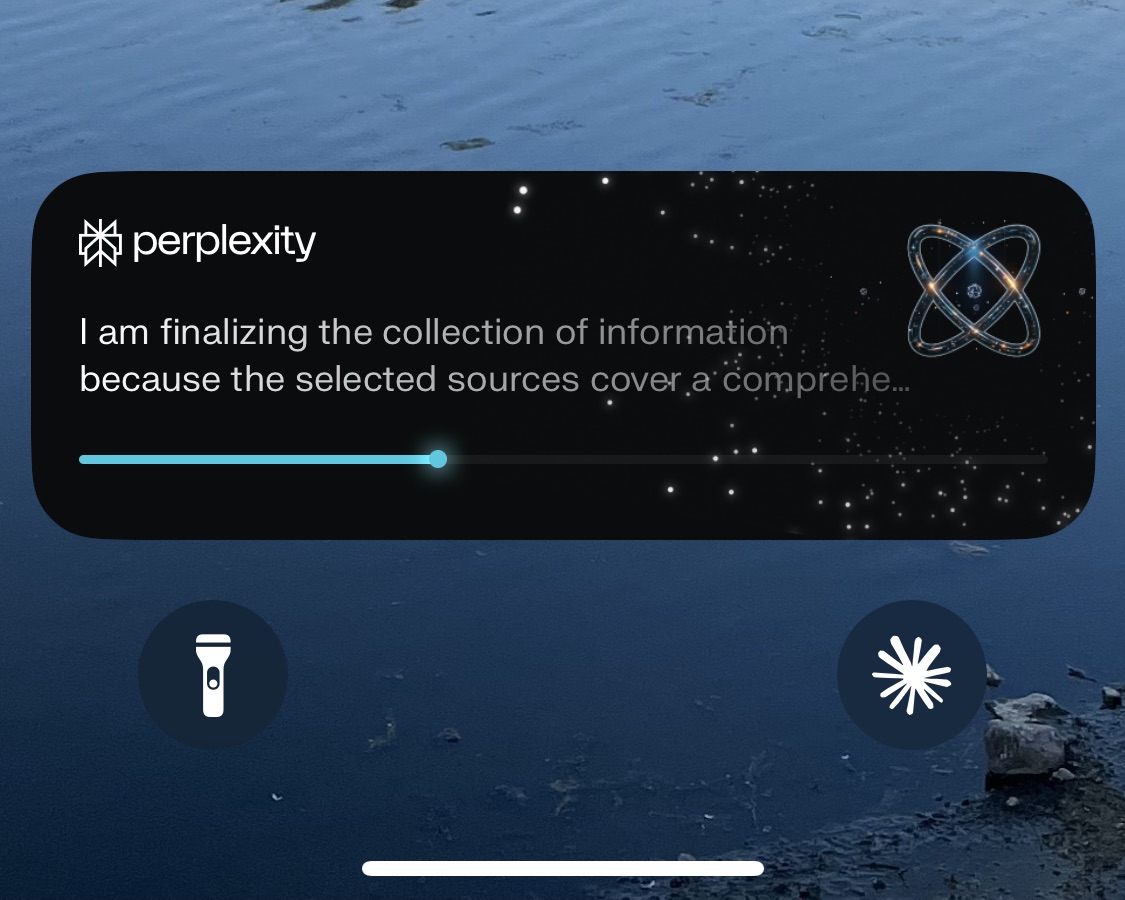 |
Perplexity - ongoing research status |
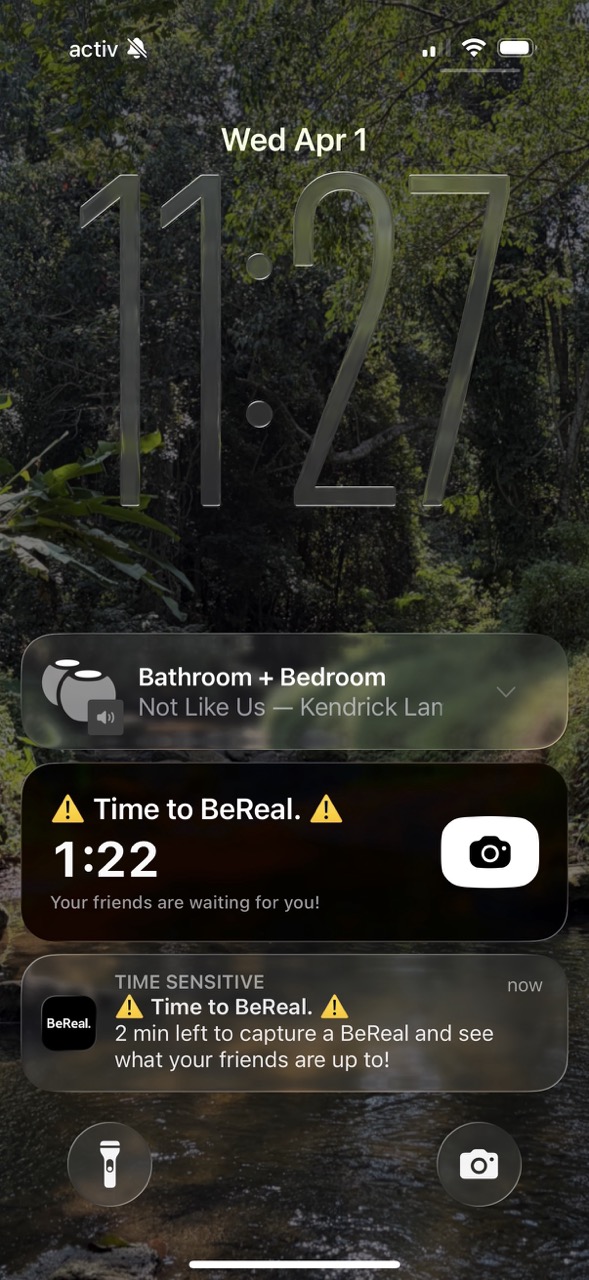
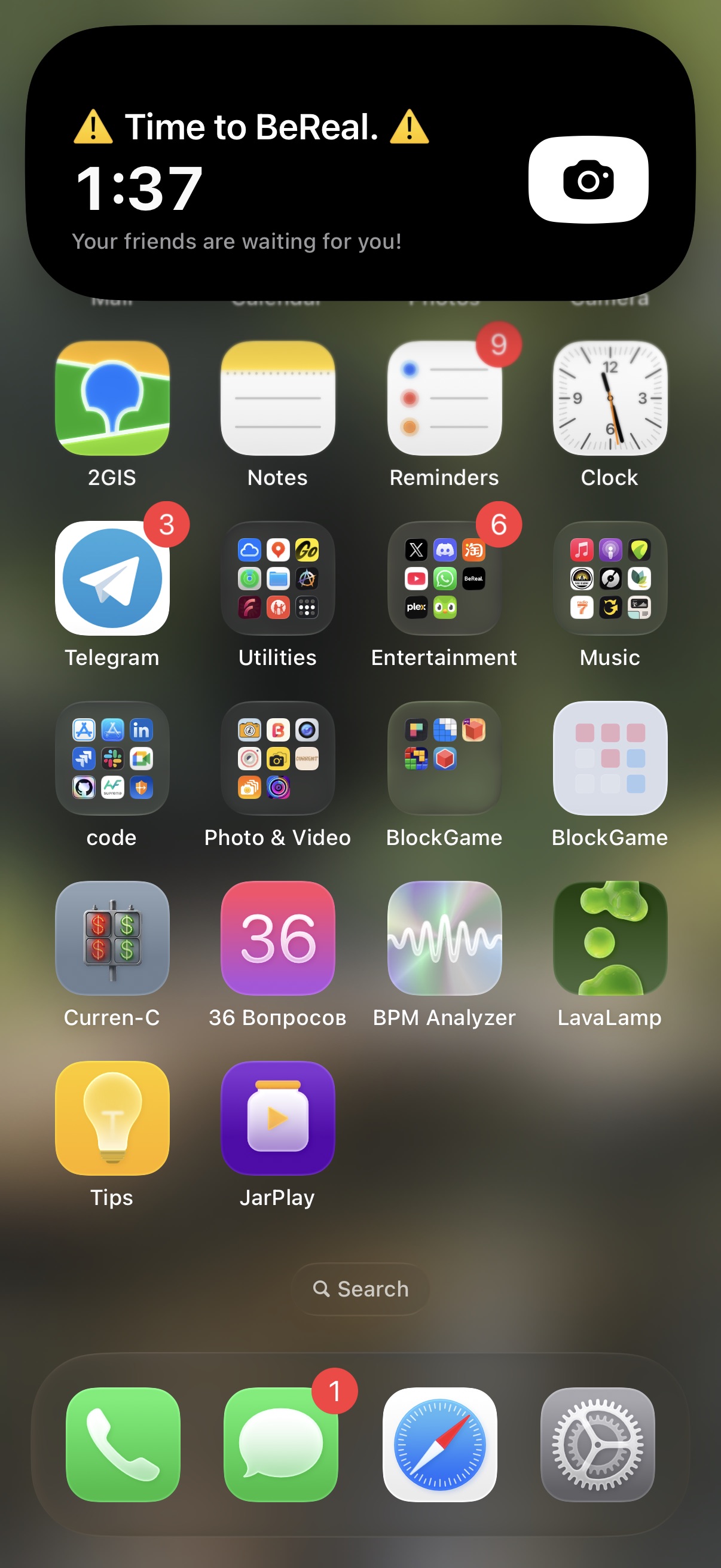
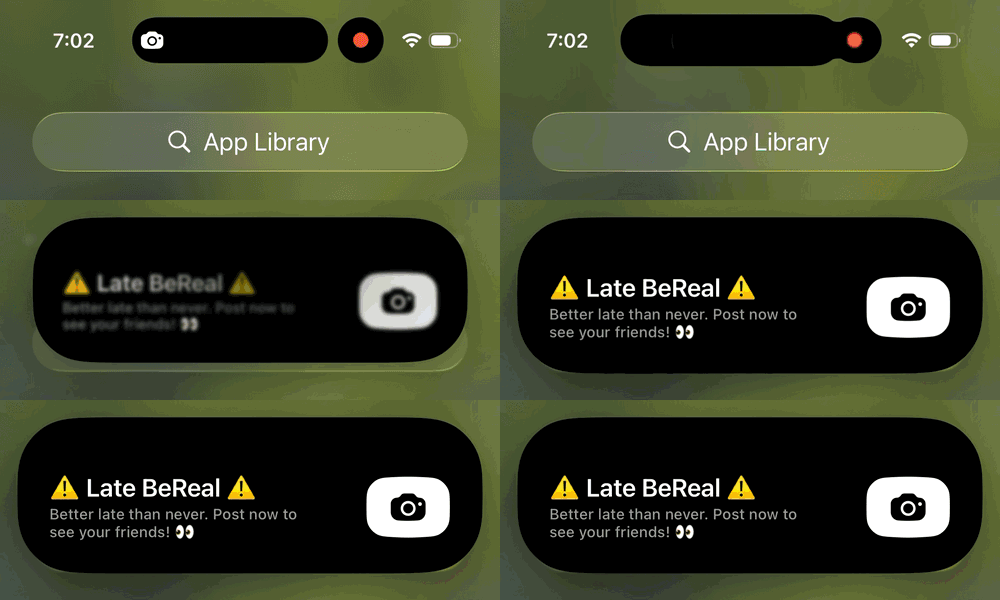
One of the best use cases for a LA widget is BeReal with their timed notification. The app's concept is a good example of a LA use: they send daily notifications at a random time, givin you only 2 minutes to take a BeReal (selfie+photo). The active timer in the widget is a straightforward way of prompting users to act in a timely manner.
 |
 |
|---|
The animation on the Home Screen is nice too, with that little camera icon that leads you directly into the app:
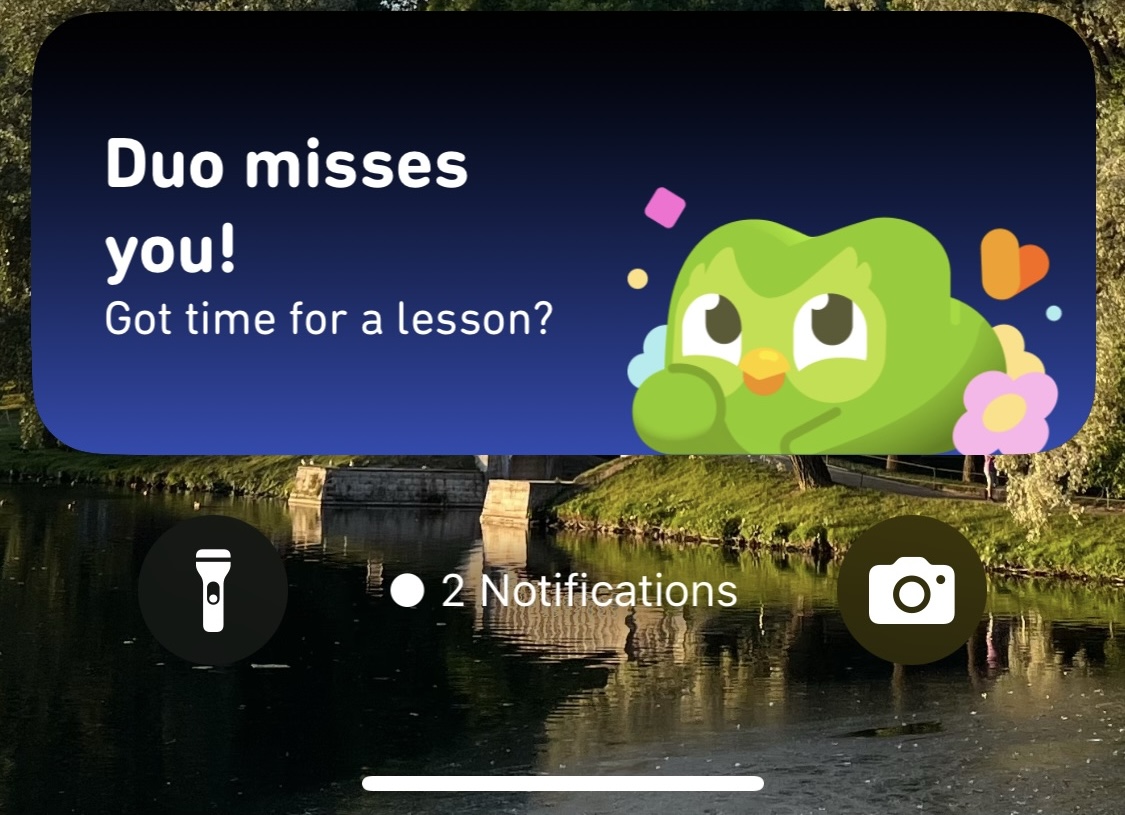
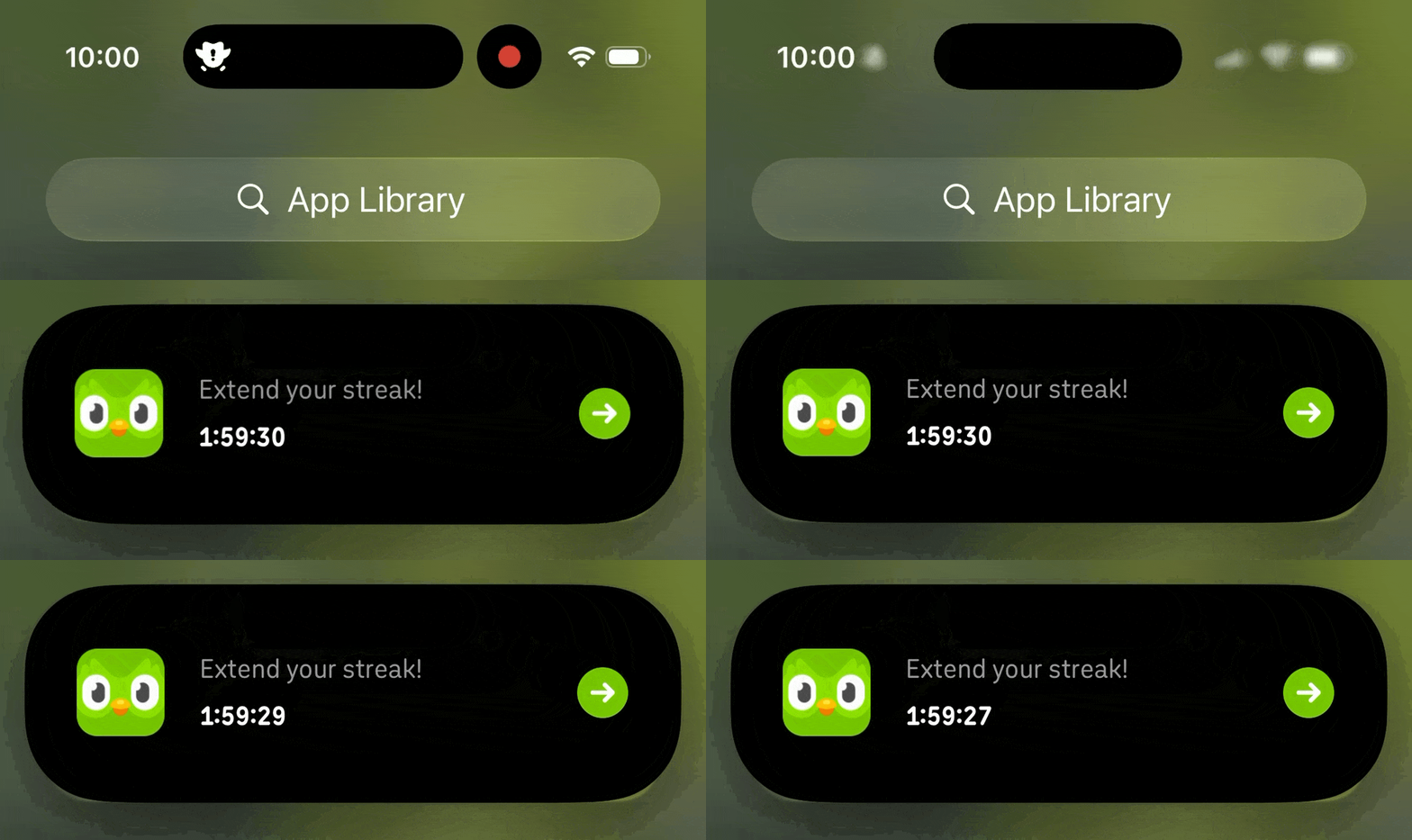
| And my personal favorite - Duolingo. They are famous for their FOMO-approach, where a user has to get notified about a lesson before midnight when their streak might break. | |
|---|---|
 |
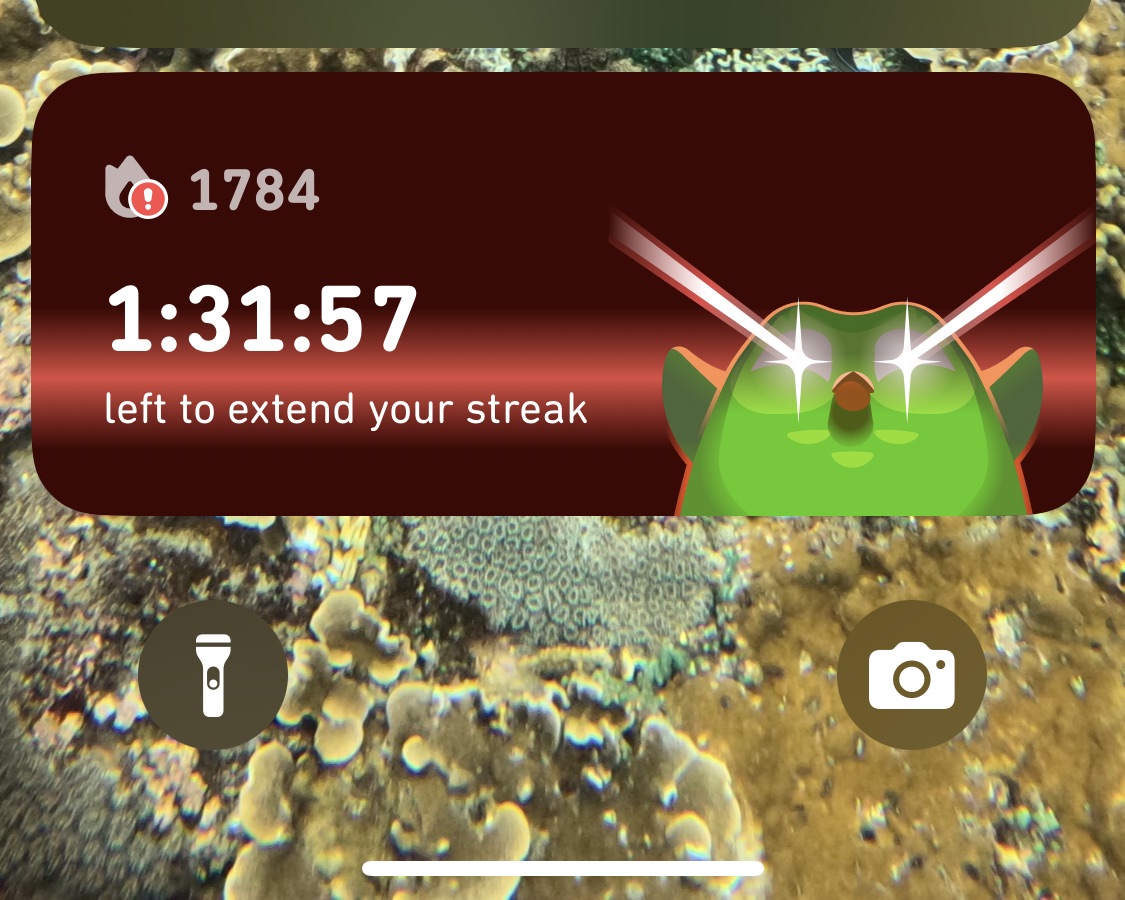 |
This creates a tension - seeing a live timer on your Home Screen instantly grabs your attention and provides a quick way to fix that asap.
Animation and technical limitations
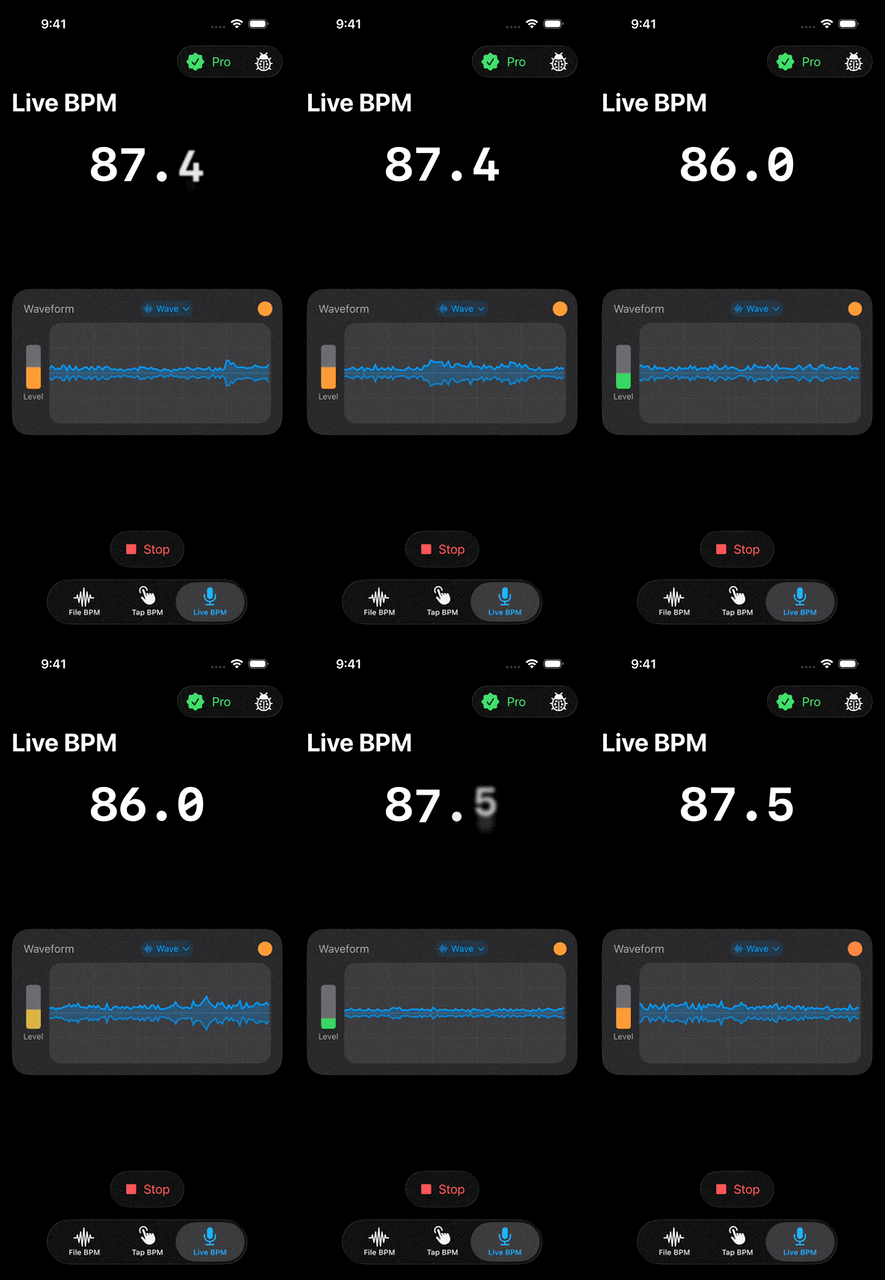
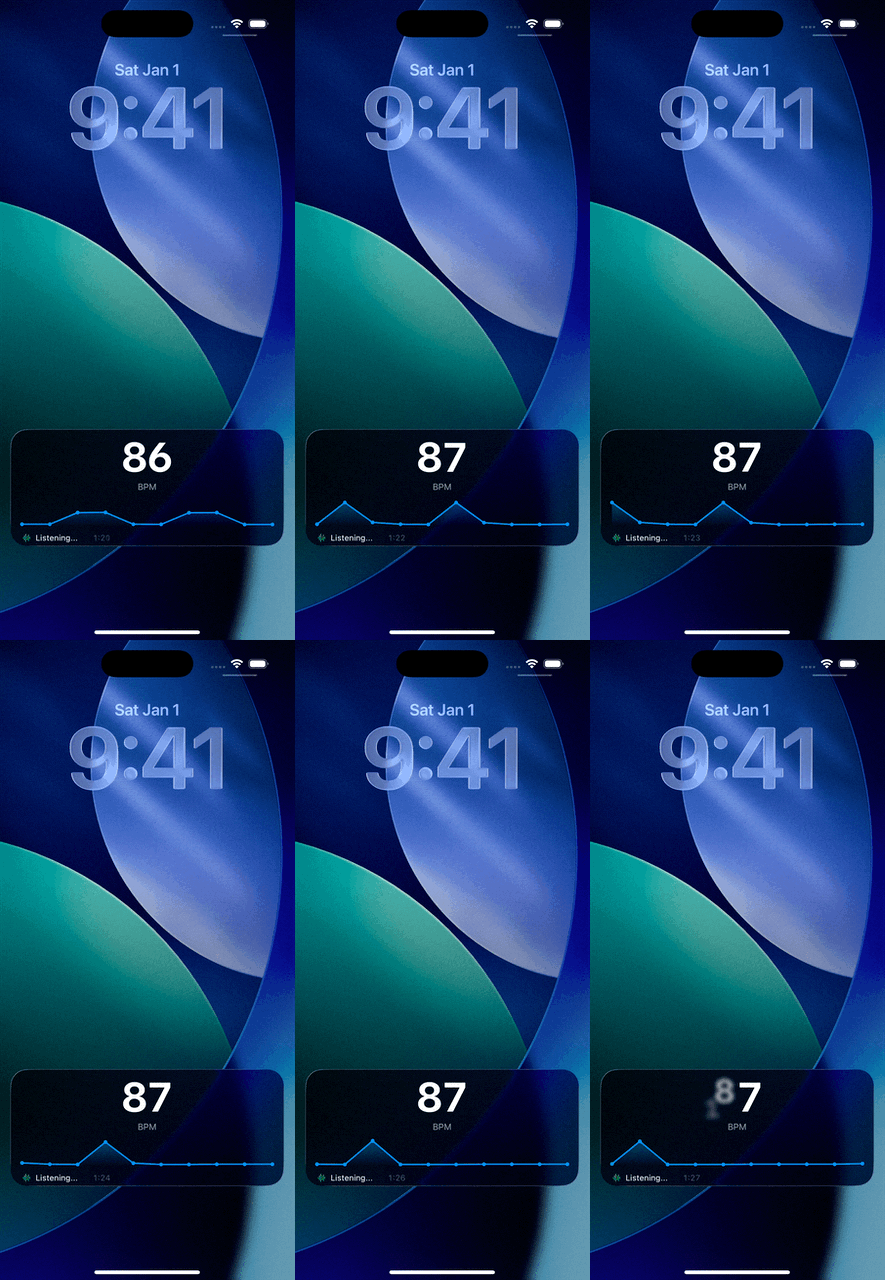
One of my own apps - BPM Analyzer (I have written about it here) has a nice little Live Activity widget for a Live Audio analysis feature. It's more of a gimmick, honestly, I was more curious of what the technical limitations are and what we could do with the widgets.
 |
 |
|---|---|
| In-app animation | Live Activity widget animation |
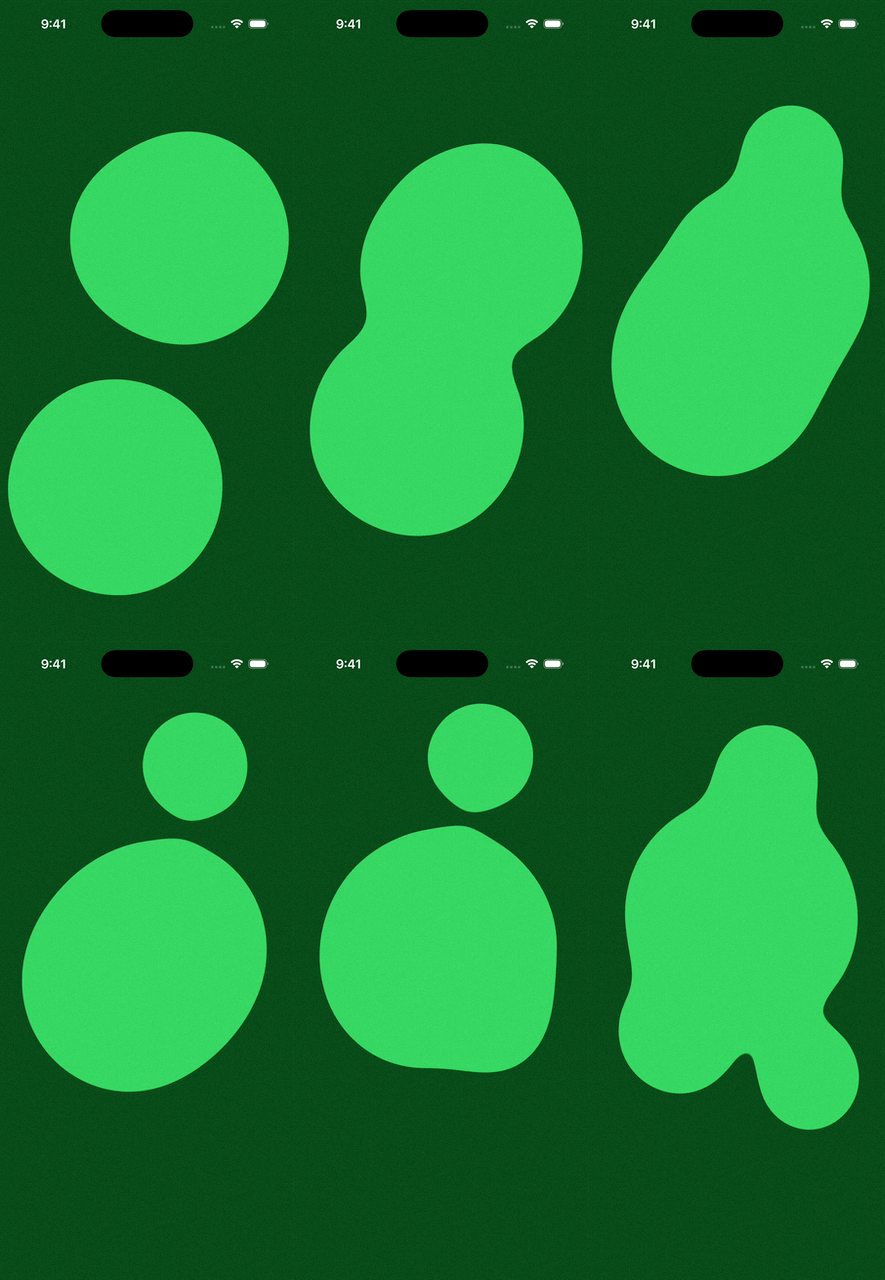
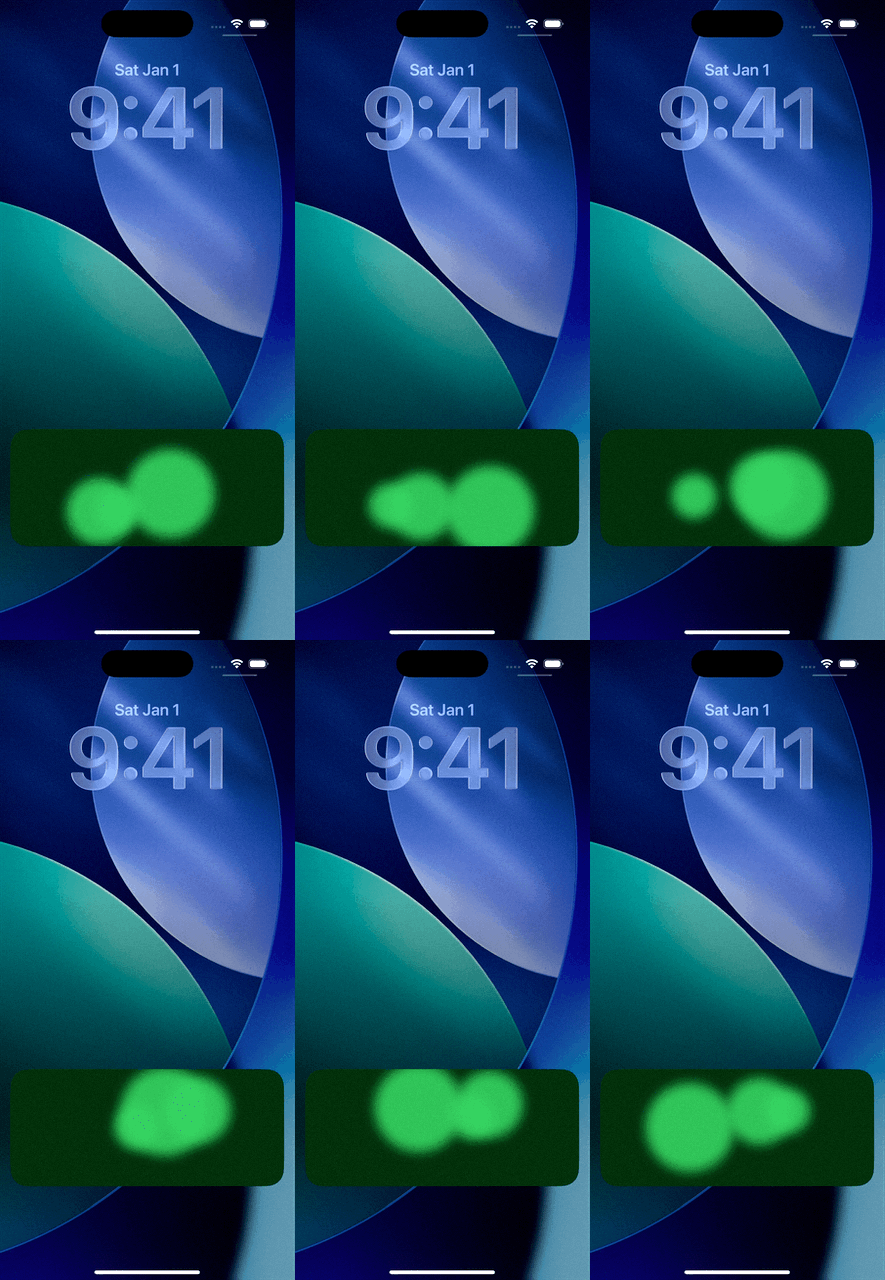
Another one of my apps (unreleased yet) has a LA widget too, and this one is even more useless in its practical form, but while making it (and home widgets that are shown below) I found out some interesting details, like how Live Activity widgets and widgets on Home Screen, Smart Stacks and even in StandBy have different animation limits.
 |
 |
|---|---|
| In-app animation (using Metal) | Live Activity widget animation |
Animations in widgets and Live Activities have a maximum duration of two seconds - leaving us with a 'laggy' animation, which still could still look smooth:
Just a little bit of widgets
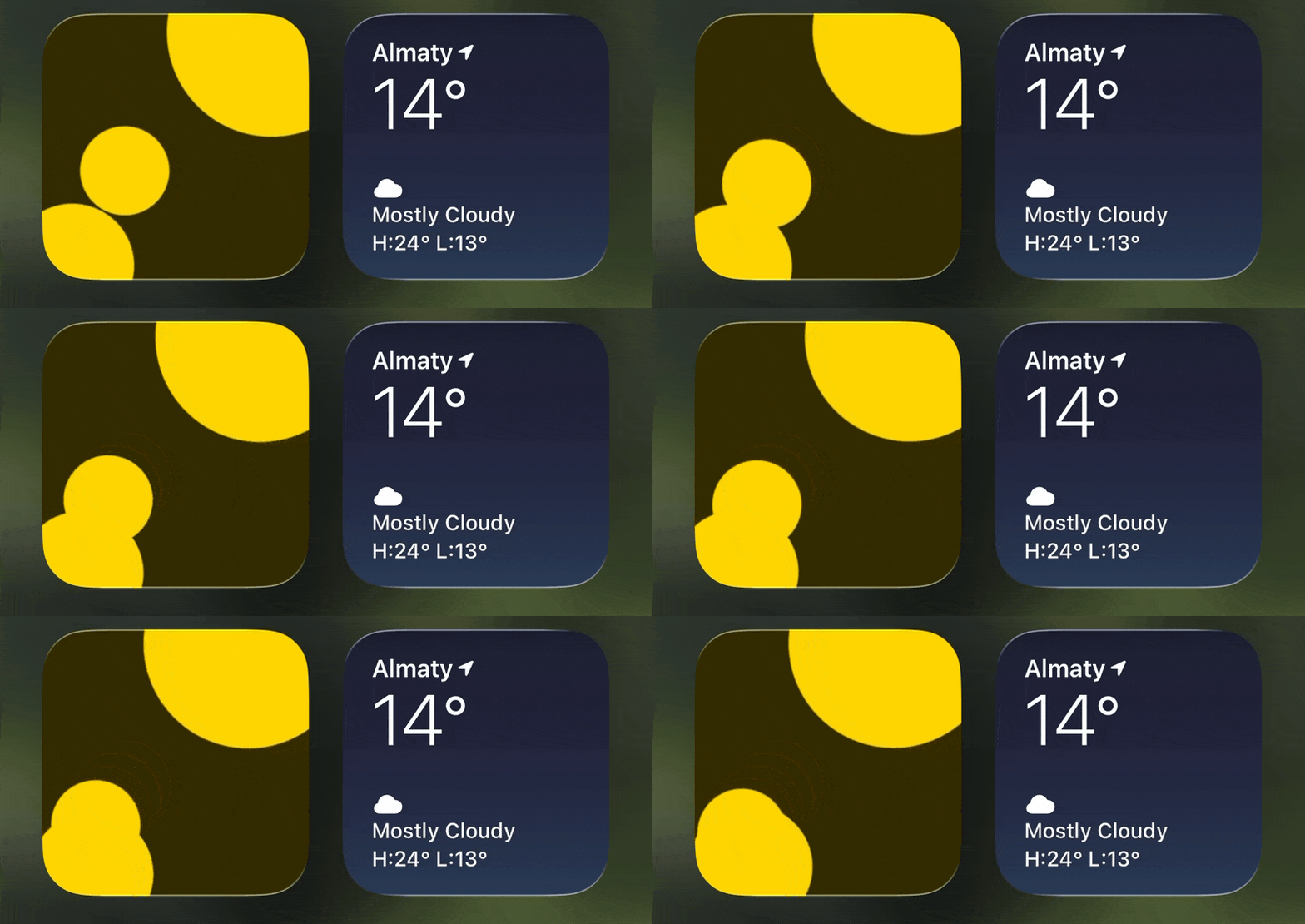 |
.gif) |
|---|---|
| Home Screen widget | Home Screen widget (night mode) |
As I said in the beginning, it's all connected - Live Activity, widgets, even StandBy mode (when your iPhone is in a horizontal position and is charging).
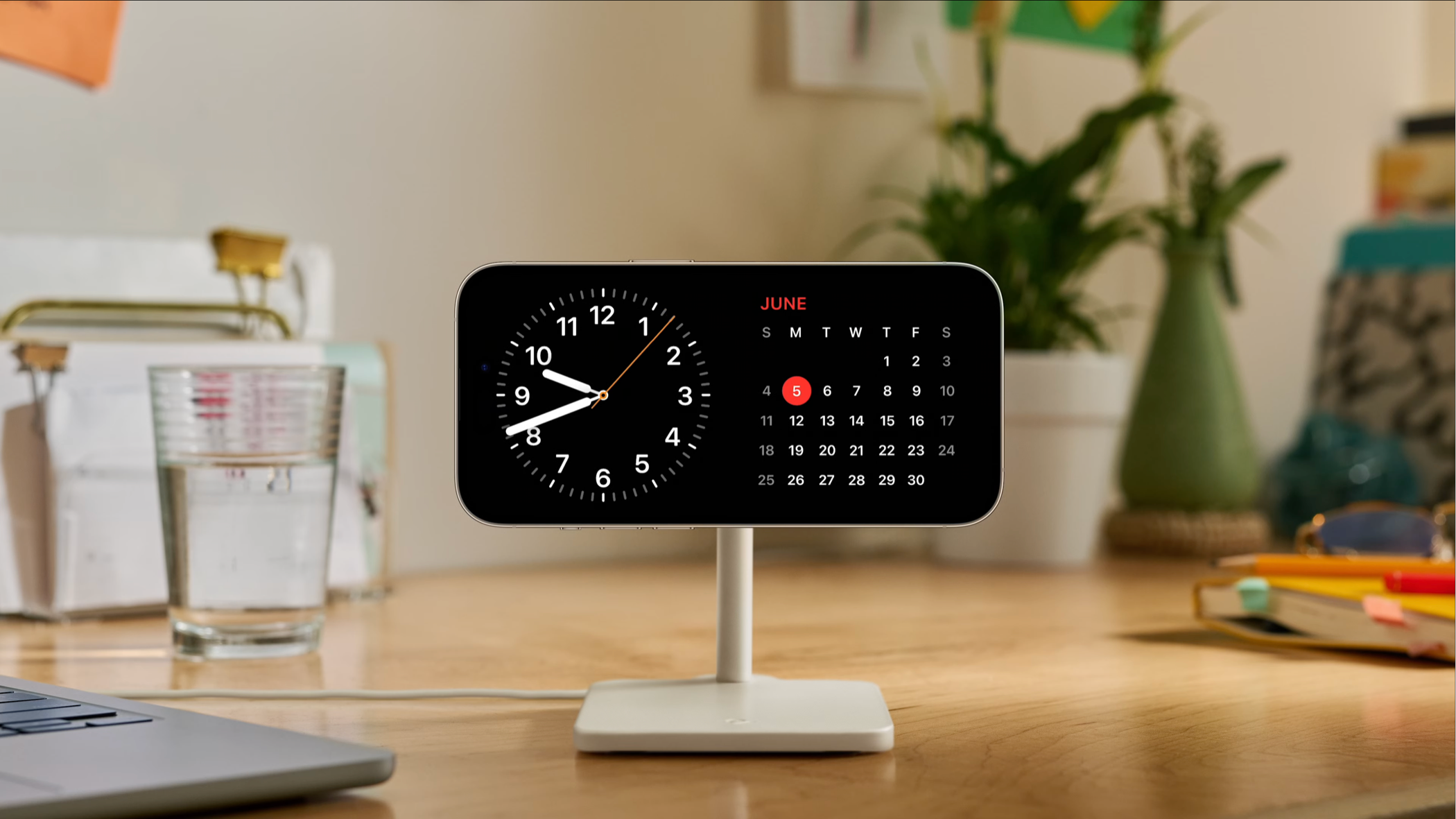
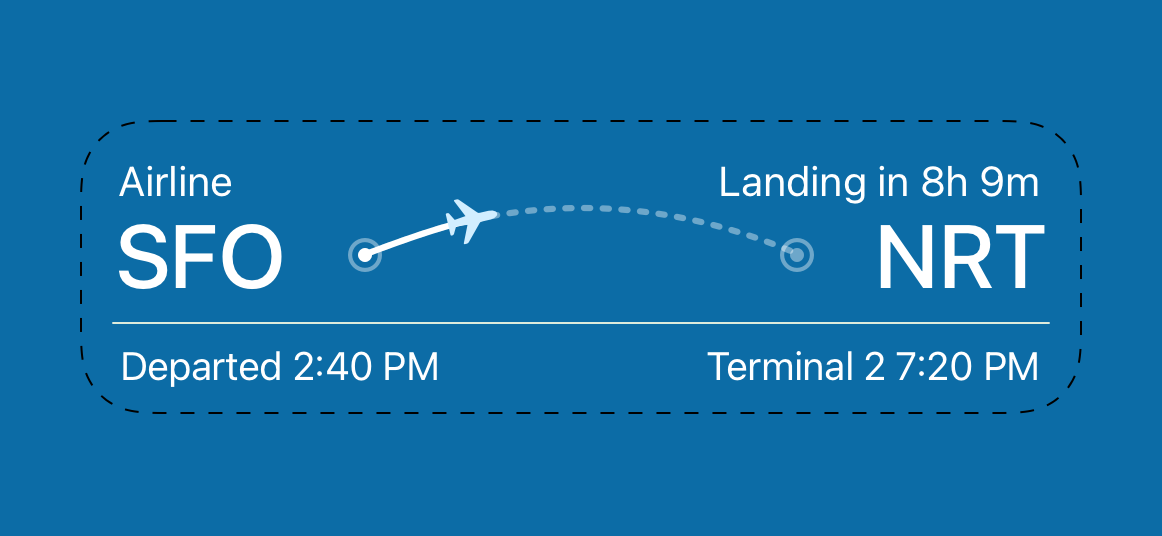
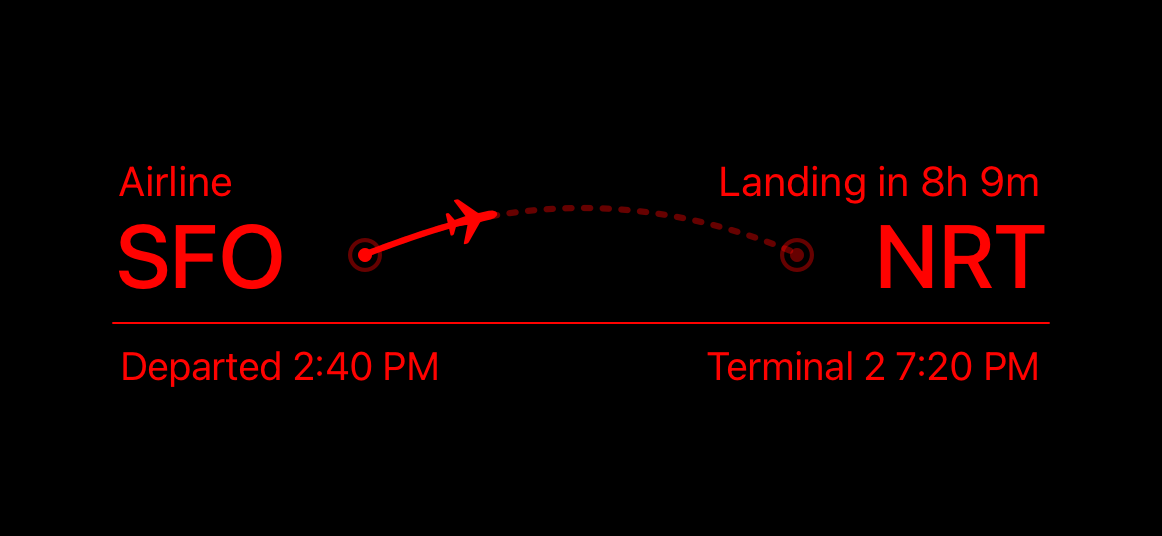
Widgets in StandBy get a cool looking night mode tint:
 |
 |
|---|
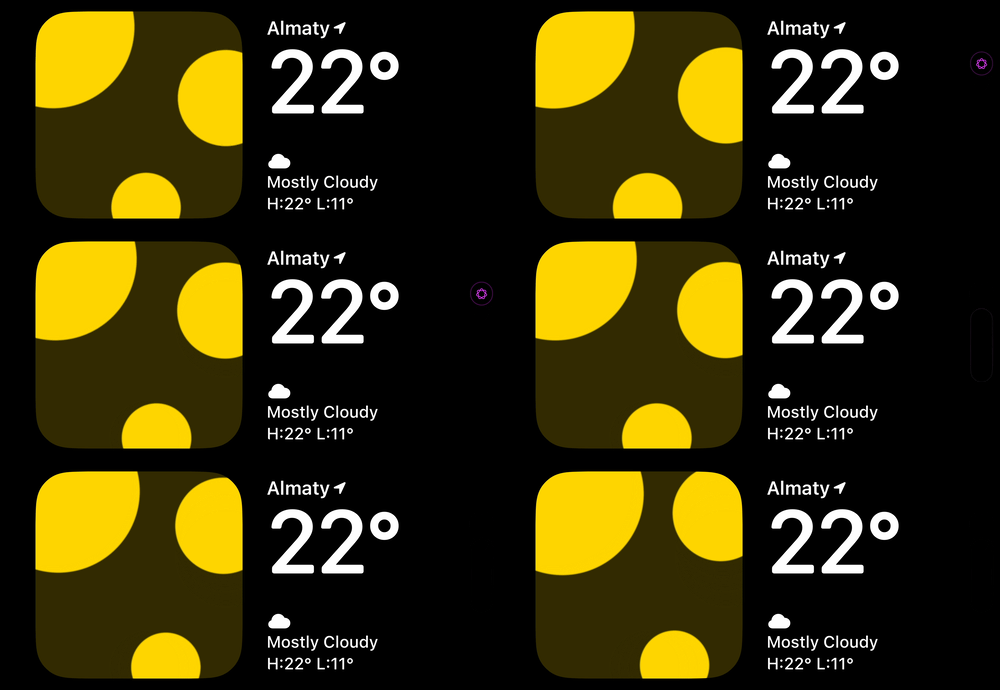
Adding support for StandBy mode for the LavaLamp app was fairly easy, however we have the same rendering limitations as we have with Home Screen widgets:
That's about it. Thanks for reading!
References & interesting finds
Apple HIG: Live Activities https://developer.apple.com/design/human-interface-guidelines/live-activities/
22 Examples of Apps Using Live Activities to Enrich Their UX https://onesignal.com/blog/best-examples-of-apps-using-live-activities-to-enrich-their-ux/
12 Live Activities Examples: How Top Apps Use the iPhone Lock Screen to Drive Engagement https://www.engagelab.com/blog/live-activities-examples
iOS Live Activities: How they work, examples & best practices https://www.pushwoosh.com/blog/ios-live-activities/